
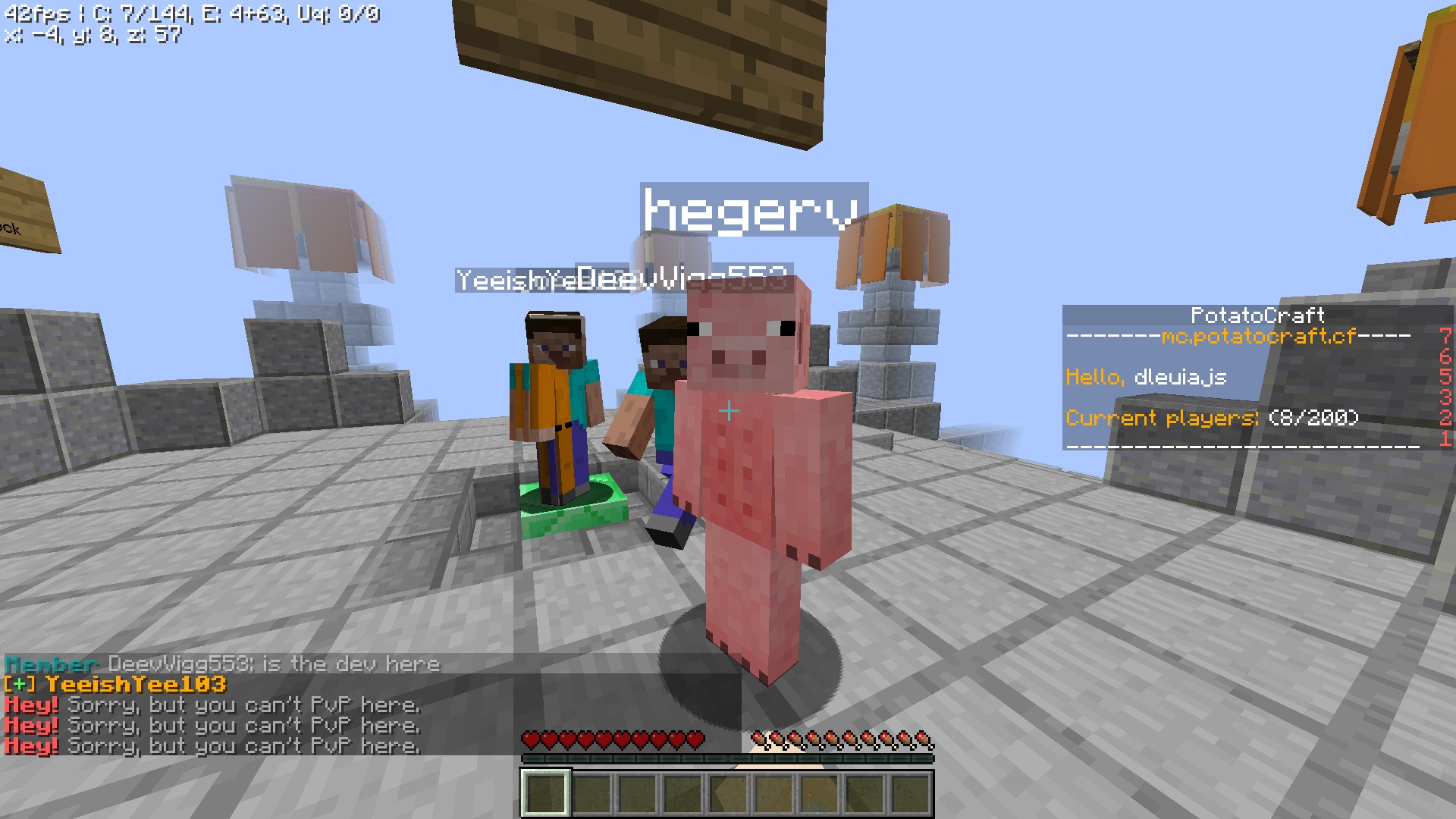
About Minecraft
To start the game - create a game on any map (it is desirable to create a maximum with 1 player, otherwise the music will bug) and wait ~1 minute. If it doesn't work, use a VPN.
Please note that the mouse is not functioning properly, so you will need to set high sensitivity or regularly press the ESC key to reset the cursor.
It is also worth noting that due to a bug in the game, it is not possible to perform hand strikes using the left mouse button ("LMB"). In this regard, to solve the problem, you need to reassign the function of the ("LMB") to any other key on the keyboard in the settings.
original link - https://web.potatocraft.cf/ (but without music and scary sounds)
--- Console commands: (Opens by pressing the ~ key) ---
/music on ; /music off (Turns music on / off)
/musicvolume 0-100 (Changes the music volume)
/nextsong (Switches the song to another random song)
/nonstop on ; /nonstop off (Turns on / off the non-stop mode, which plays music continuously. If you turn it off, the music will play once every 5 minutes.)
/sounds on ; /sounds off (Turns scary sounds on / off)
/soundsvolume 0-100 (Changes the scary sounds volume)
/soundplay (Plays a random scary sound)
/volume (Changes the overall volume (music and scary sounds))
/info (Shows the status of the commands)
/description (Shows a description of the game)
/help (Shows all console commands)
| Rank | Player | Score | Recorded |
|---|---|---|---|
|
refresh
Discovering package leaderboards...
|
|||
sports_esports Input & Control Support
settings Engine & Multiplayer Configuration
more_horiz Additional Properties
This file manifest and asset metadata are retrieved live directly from the official Facepunch s&box public API. s&box Explorer does not host, store, or redistribute any package files. All download links route directly to Facepunch CDN servers.