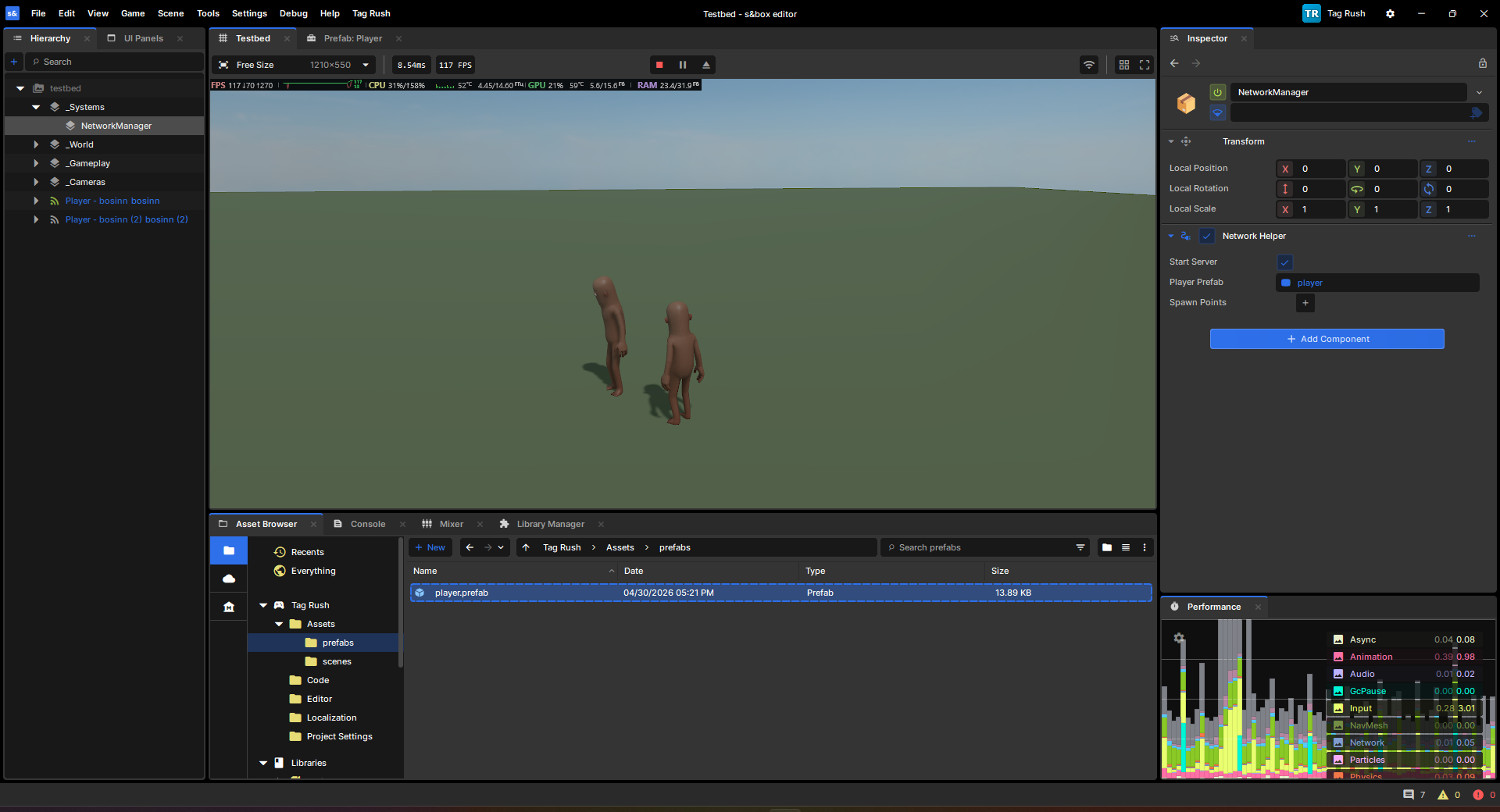
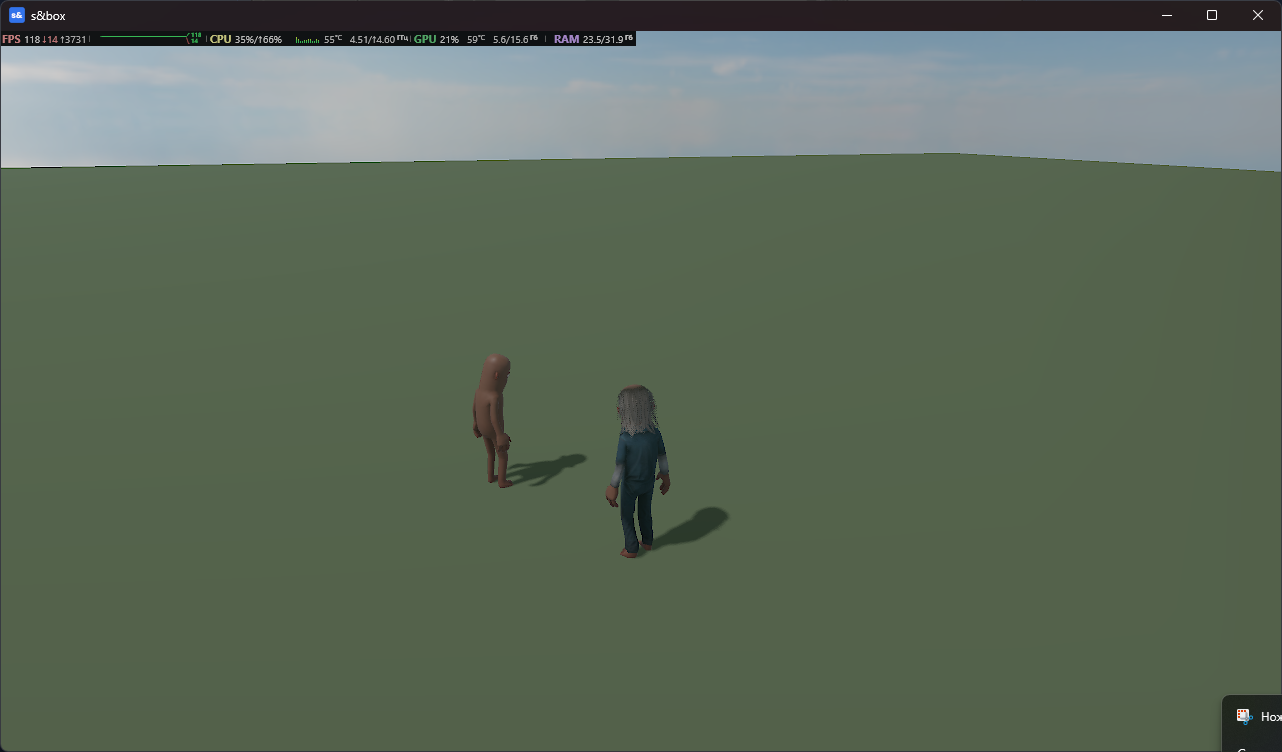
Don't know what happened. I've recreated scene, placed player controller and made it prefab, placed prefab in "Network Helper" and it worked. Cloth still doesn't sync. I've patched "Network Helper" class to use ClothingContainer:
public void OnActive( Connection channel )
{
    Log.Info( $"Player '{channel.DisplayName}' has joined the game" );

    if ( !PlayerPrefab.IsValid() )
       return;

    //
    // Find a spawn location for this player
    //
    var startLocation = FindSpawnLocation().WithScale( 1 );

    // Spawn this object and make the client the owner
    var player = PlayerPrefab.Clone( startLocation, name: $"Player - {channel.DisplayName}" );

    // Assume that if they have a skinned model renderer, it's the citizen's body
    if ( player.Components.TryGet<SkinnedModelRenderer>( out var body, FindMode.EverythingInSelfAndDescendants ) )
    {
       var clothing = new ClothingContainer();
       clothing.Deserialize( channel.GetUserData( "avatar" ) );
       clothing.Apply( body );
    }

    player.NetworkSpawn( channel );
}