Dedicated server
Reply on sbox.game-
Hello, friends.
I've more or less figured out how to make a multiplayer game, but I want to take it to the next level and make a savegame. If it's not too much trouble, could you please tell me how to create the functionality and test a local dedicated server? Or at least provide a link to the information. Sorry if this is a dumb question, but I'm asking because I genuinely don't understand it and want to understand how it works.
Here's how it works for me now: I click the dedicated server start button, then uncheck the server start box on NetworkHelper in the scene, and launch the scene through the editor. No player spawns. And when I type "connect localhost" in the console, the connection fails.
So, how do I set this up and test it correctly? I also tried running it from a server configured via steamcmd. I'm probably missing the basics.
Incidentally, I don't think there's any need to worry about errors loading various models—it's a known issue when connecting from abroad.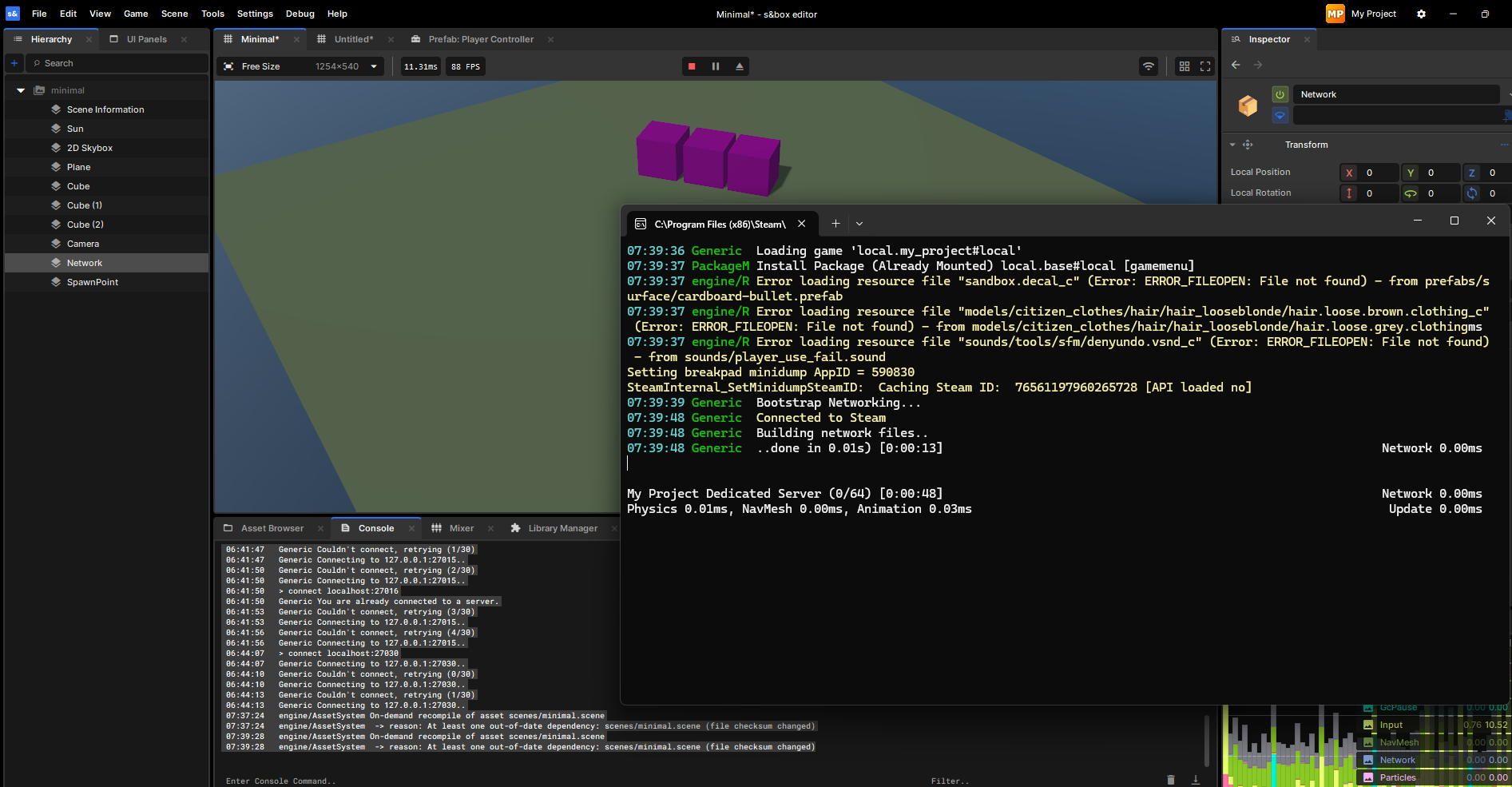
Снимок экрана 2026-05-24 194036.png 237.65 KB -
Hello !
The FileSystem will handle all this for you.
You will just need to trigger theLoad()andSave()when needed in your game's logic. -
Maybe I explained it wrong. I want to save players' buildings and loot so that anyone can connect and see it even if the player has left the server.Hello !
The FileSystem will handle all this for you.
You will just need to trigger the Load() and Save() when needed in your game's logic. -
Oh my bad I see now, unfortunately I haven't touched to the networking part yet.
I wish you to succeed ! -
Fuck, I finally did it. Thanks to everyone who watched or participated (1 person).
The solution (stupid for experienced developers, brilliant for those just starting out): upload your game to the platform, start a server with a .bat file (I haven't tried the Editor version yet), find your game on the platform, and click on the server list. Bam!
This is what I've been looking for two days straight, damn. If this is really the method for starting a dedicated server, we need a guide.
Good luck everyone, I'm off to have a beer and will continue making my own game with buildings, etc.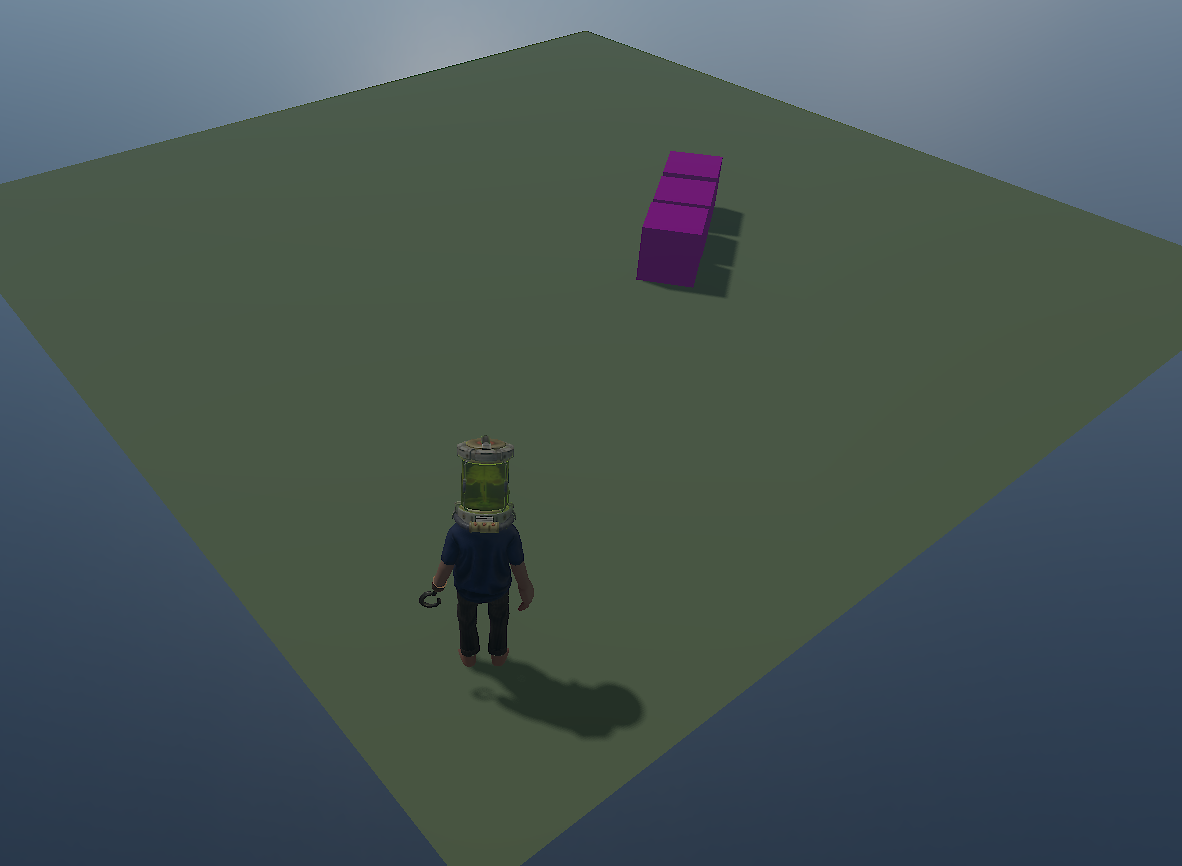
image.png 159.12 KB

