Launcher for editor doesn't launch Linux version
Reply on sbox.game-
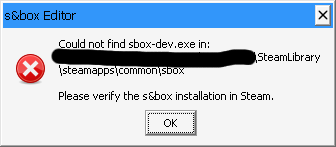
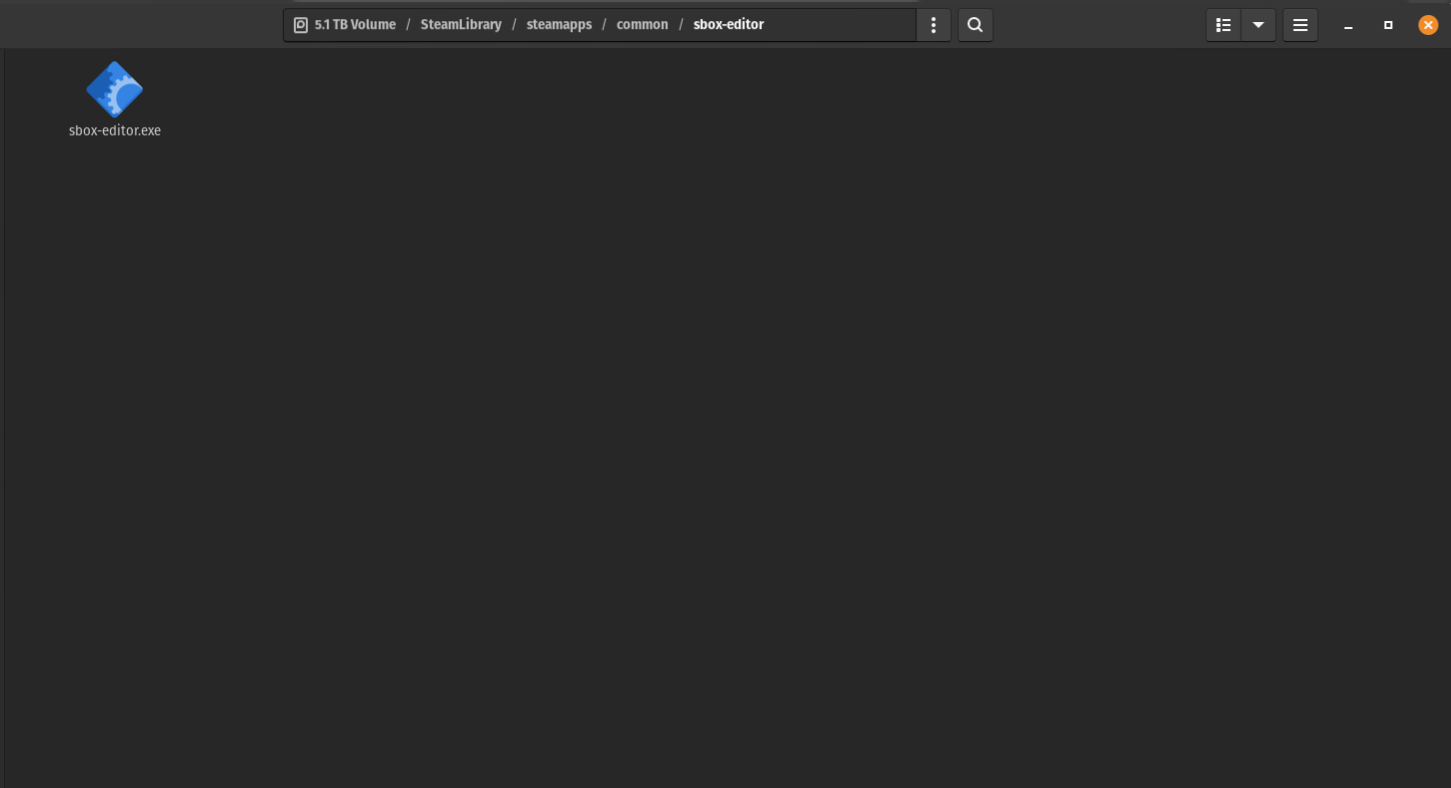
exactly what it says: it wants to get sbox-dev.exe, but there's only sbox-editor.exe, both of which obviously aren't right for Linux. the only way to bypass this problem is to open sbox-dev through the browser, and then adding it as a non-steam game. i hope this problem gets fixed in one of the next updates in the near future
-
To clarify, the temporary workaround is to go to your local install of S&box (at this time don't even bother with installing S&box Engine). The install location should be something like:
~/.local/share/Steam/steamapps/common/sbox/
You will see a executable for sbox-dev. You can either double-click to run it right away, or copy the location down for adding it to the non-steam games (if you add it to the non-steam games, you will probably have to include all files, not just the .exe, .sh, .bash, etc.)
Note: the S&box editor hasn't been updated since April as of making this comment.
After enabling this you will be able to access S&box's editor launcher; however, at least for me, the project crashes, so this still needs proton. -
the editor launcher opens but when trying to open a project it says "Steam Not Found"
EDIT: That was my bad, got kicked out of my account when logging into this forum lol. It seems to be opening from the dev launcher now.To clarify, the temporary workaround is to go to your local install of S&box (at this time don't even bother with installing S&box Engine). The install location should be something like:
~/.local/share/Steam/steamapps/common/sbox/
You will see a executable for sbox-dev. You can either double-click to run it right away, or copy the location down for adding it to the non-steam games (if you add it to the non-steam games, you will probably have to include all files, not just the .exe, .sh, .bash, etc.)
Note: the S&box editor hasn't been updated since April as of making this comment.
After enabling this you will be able to access S&box's editor launcher; however, at least for me, the project crashes, so this still needs proton.