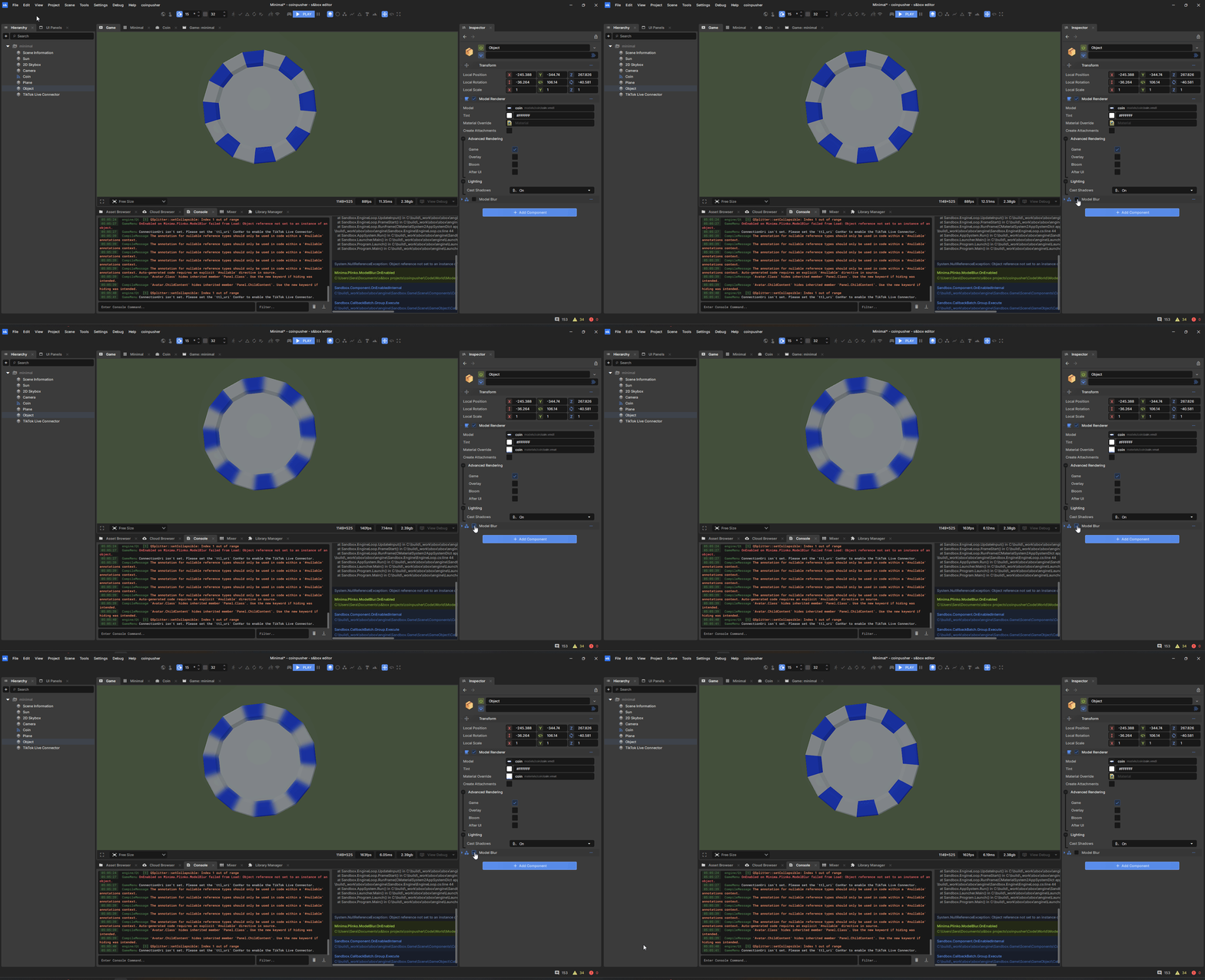
Small example component illustrating how to manipulate a Model's texture.
using System.Linq;
using Sandbox;

public class ModelBlur : Component {
    /// <summary>
    /// Mandate that this component is attached to a GameObject with a ModelRenderer.
    /// If not, one will be created automatically.
    /// </summary>
    [RequireComponent]
    public ModelRenderer ModelRenderer { get; private set; }

    protected override void OnEnabled() {
       // Grab the first material from the model renderer
       var modelMaterial = ModelRenderer.Model.Materials.FirstOrDefault();
       if ( modelMaterial is null ) return;

       // Grab the first texture from the material, apply a blur effect
       var textureBitmap = modelMaterial.FirstTexture.GetBitmap(0);
       textureBitmap.Blur(8);

       // Create a copy of the material and set the blurred texture
       var clonedMaterial = modelMaterial.CreateCopy();
       clonedMaterial.Set( "color", textureBitmap.ToTexture() );

       // Apply the cloned material with the blurred texture to the model renderer's MaterialOverride
       ModelRenderer.MaterialOverride = clonedMaterial;
    }

    protected override void OnDisabled() {
       ModelRenderer.MaterialOverride = null;
    }
}
 Bot
Sandbox.Bitmap : api/Sandbox.Bitmap
Bot
Sandbox.Bitmap : api/Sandbox.Bitmap