I'm reworking on my previous jam entry and basically rewritting the junk jam code into something decent and up to date with the new api.
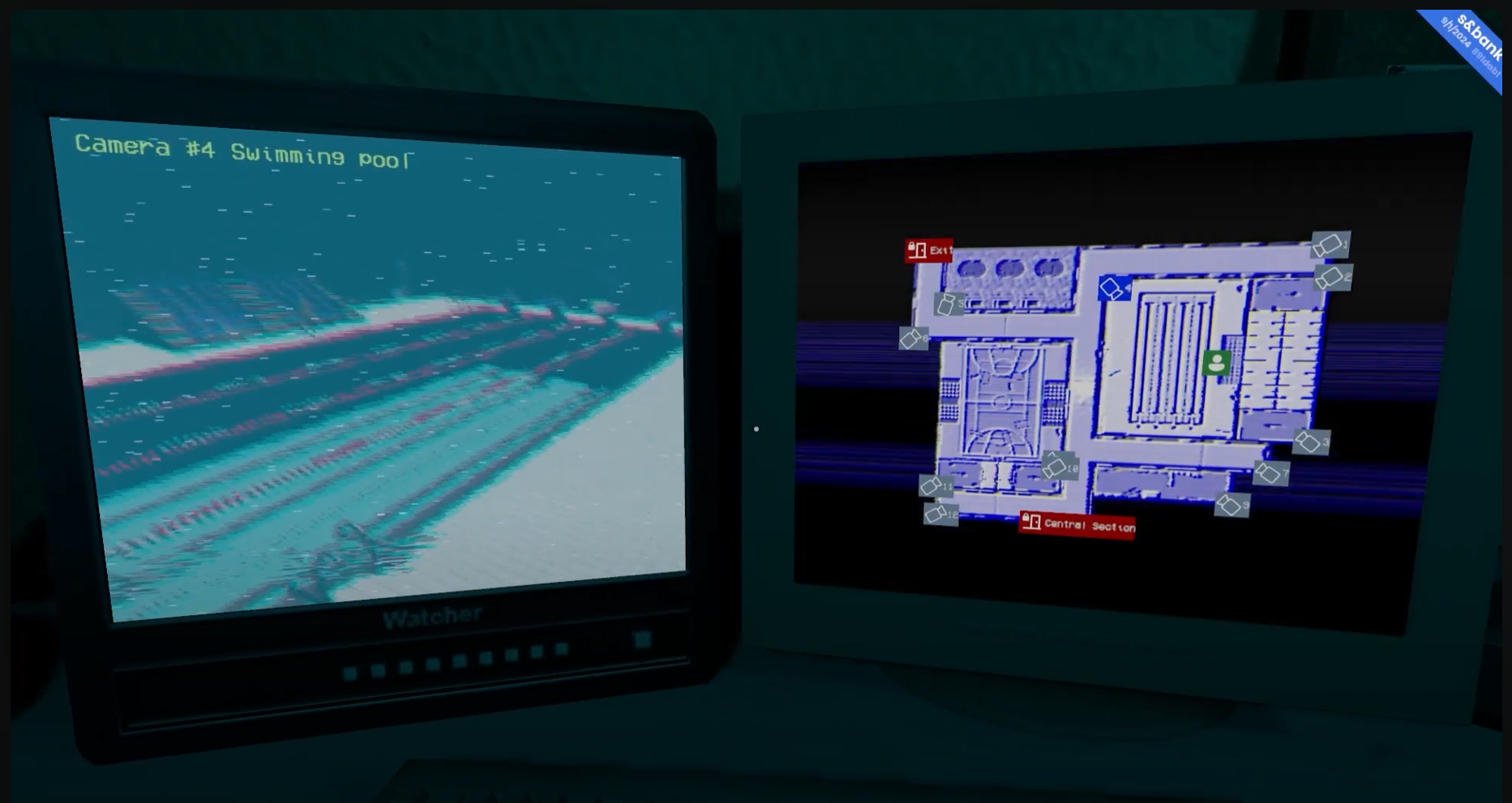
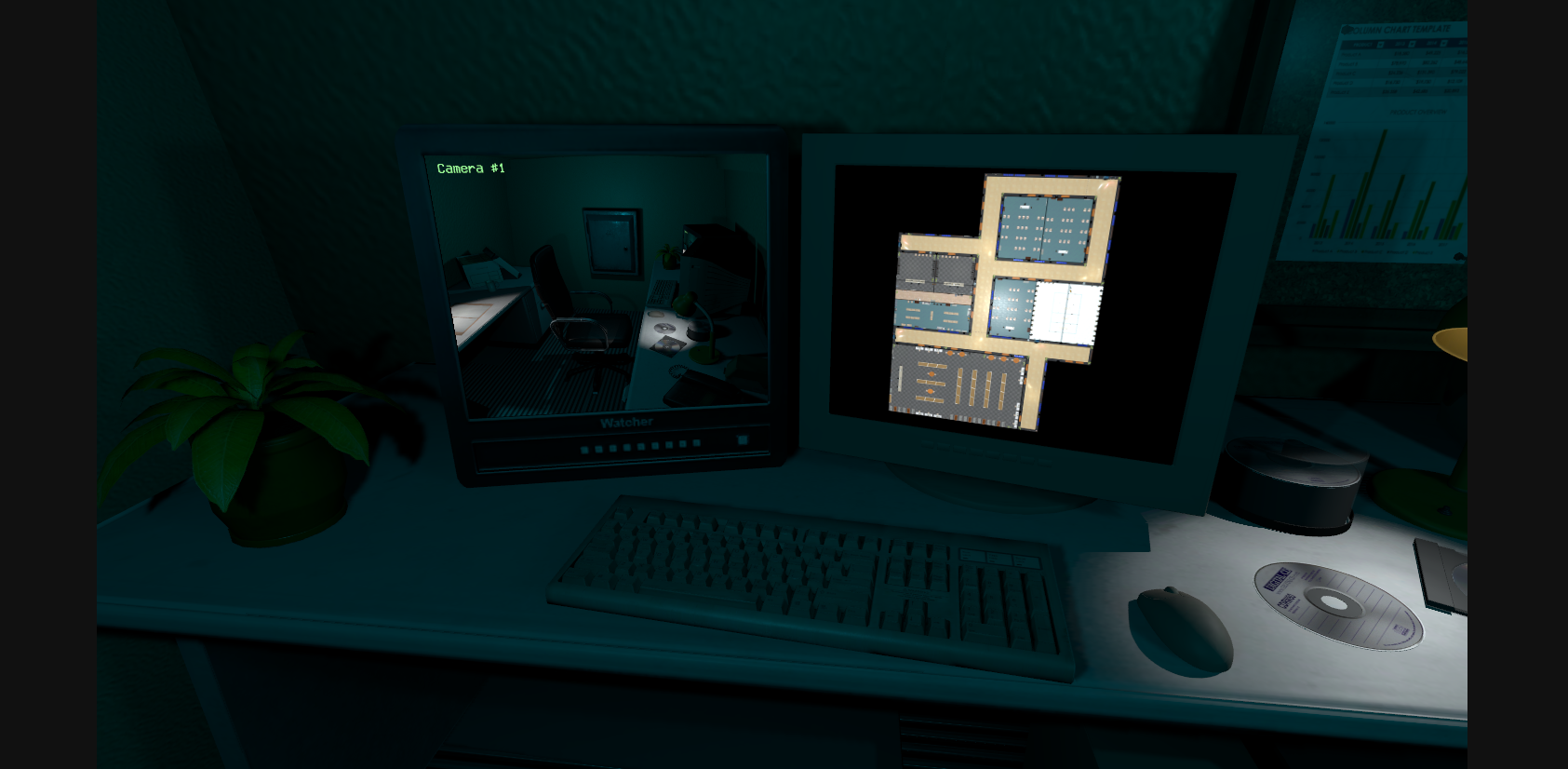
In order to do a "Camera surveillance" system like this image.png1.16 MBI'm rendering a Camera on a texture, build a razor world panel with it then add other UI elements.
Previously:
In order to do it in my jam entry I did a razor component that had a custom SceneCamera filled with a CameraComponent info (via UpdateSceneCamere() ).
I created a render texture via Texture.CreateRenderTarget Then rendered my scenecamera via Graphics.RenderToTexture(_sceneCamera, _texture); And all my postprocesses component attached on my Camera gameobject where also rendered
Now: I'm using directly the CameraComponent.RenderToTexture() without the SceneCamera bullshit intermediary But the PostProcess components are not taken into accounts :/
- How can I make PostProcess work on rendered texture? - Is it possible to apply a custom shader on World panels? (so the ui is also affeced by the 'post process')