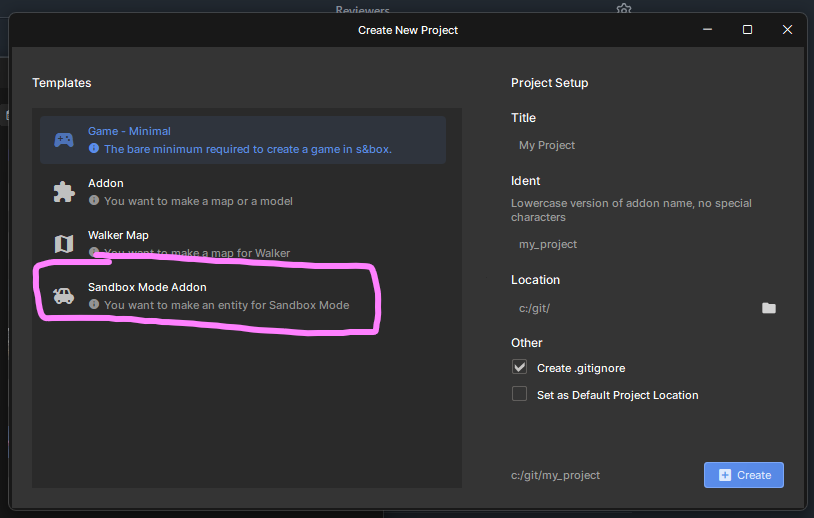
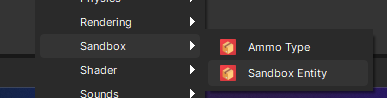
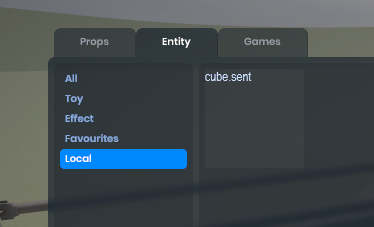
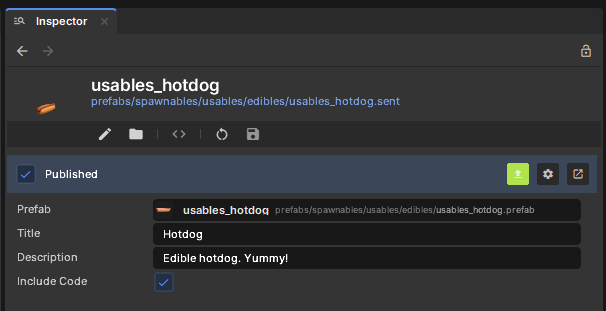
People are getting this error when trying to use my sents
2025/09/02 21:59:51.9347    [Generic] Failed to fetch package info for gmodn.usables_hotdog: package not found.
2025/09/02 21:59:51.9347    [Generic] Cloud: Package gmodn.usables_hotdog has no PrimaryAsset
What would be causing this? I'm pretty certain I have my definitions set up properly. image.png17.73 KB
Object reference not set to an instance of an object.
System.NullReferenceException: Object reference not set to an instance of an object.
   at Editor.AssetList.DrawAssetEntry(VirtualWidget item, AssetEntry asset) in C:\program files (x86)\steam\steamapps\common\sbox\addons\tools\code\Editor\AssetList\AssetList.cs:line 361
   at Editor.AssetList.PaintListItem(VirtualWidget item) in C:\program files (x86)\steam\steamapps\common\sbox\addons\tools\code\Editor\AssetList\AssetList.cs:line 298
   at Editor.BaseItemWidget.PaintItem(VirtualWidget item)
   at Editor.BaseItemWidget.OnPaint()
   at Editor.ListView.OnPaint()
   at Editor.Widget.InternalPaintEvent(QPainter e, Int32 flags)
   at Managed.SourceTools.Exports.Editor_BaseScrollWidget_InternalPaintEvent(UInt32 self, IntPtr e, Int32 flags)
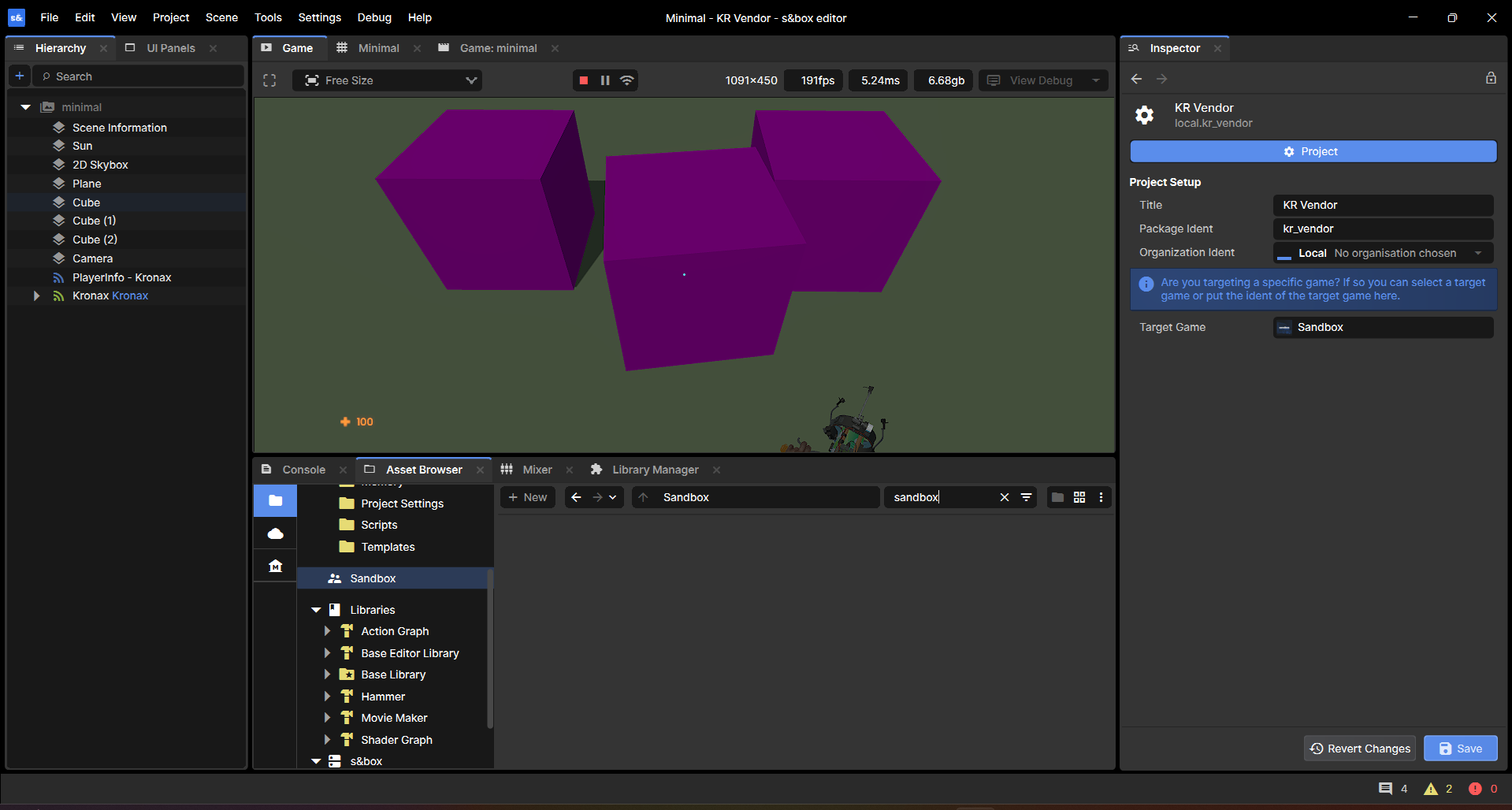
Getting this when I try to search for the sandbox scene. On both staging and release. Can only find minimal scene in the everything browser.
Nothing happens when I try to select a prefab for the entity either, field doesn't populate.
Braxen make sure that in your .csproj file you have <ItemGroup> <Using Include="Sandbox.Internal.GlobalGameNamespace" Static="true" /> <Using Include="Microsoft.AspNetCore.Components" /> <Using Include="Microsoft.AspNetCore.Components.Rendering" /> </ItemGroup> and maybe <ItemGroup> <ProjectReference Include="D:\Games\Steam\steamapps\common\sbox\addons\base\Code\Base Library.csproj" /> </ItemGroup> Because for some reason they disappeared from my addon project and I returned them.
Demo of a Mac 128k virtual machine running in the Sandbox gamemode, powered by Infinite Mac
I had to clone the contents of the Sandbox game so I could mess with the WebPanels properly but it's coming along quite nicely. Model is from Spicy Apple but is most likely to be placeholder since I don't know if I'm going to be able to get an original model made, I may just ask Spicy if I can use this one if I can't though.
Not sure how I would transfer over keyboard inputs, as WorldInput doesn't have support for that, but other than that it is looking nice.mac128kdemo1.mp47.48 MB
Is it necessary to create a subfolder with its own unique name in the addon project in the Assets folder and place other folders and resources in it (like Assets/zontax_addons/...)? Is this not necessary? Can there be path collisions that will turn into a problem, for example, if the resource in the addon has the same path as the resource path in the sandbox game itself or the same as in another addon?
Alright I fixed some bugs on staging. Opening the addon should be a lot more stable now, should no longer get missing models and textures and effects, and the context menus should work properly.
Braxen make sure that in your .csproj file you have <ItemGroup> <Using Include="Sandbox.Internal.GlobalGameNamespace" Static="true" /> <Using Include="Microsoft.AspNetCore.Components" /> <Using Include="Microsoft.AspNetCore.Components.Rendering" /> </ItemGroup> and maybe <ItemGroup> <ProjectReference Include="D:\Games\Steam\steamapps\common\sbox\addons\base\Code\Base Library.csproj" /> </ItemGroup> Because for some reason they disappeared from my addon project and I returned them.