menu_bookDocumentation
Exporting Standalone - s&box Documentation
Exporting Standalone
⚠️ Warning: Exporting standalone games is currently in preview. Distribution requires approval from Valve — we're working with them to open this up to everyone. In the meantime, please don't distribute exported builds without a license from us (contact [email protected]).
Export your game as a standalone executable and distribute it outside of the s&box platform.
- Steam and beyond — publish to any storefront, as long as it's also on Steam
- No engine royalties — the engine is completely royalty-free, no revenue share
- Open source engine — full access to the engine source code
- PC Only — we don't have any console or mobile exports right now, this could always change in the future
- Full .NET access — no code whitelist, use any .NET API
Export Wizard
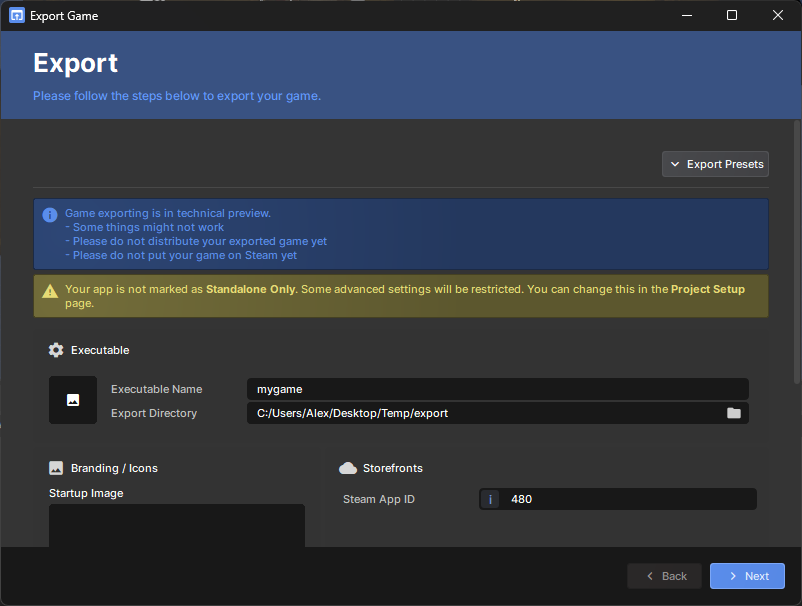
- Click the Project menu
- Click Export…
- Set your icon, splash screen, and Steam App ID
- Click Next and wait for the export to complete
- Your executable will be in the output folder — click Open Folder to find it
Was this helpful?