

thumb_up
15
open_in_new
View on sbox.game
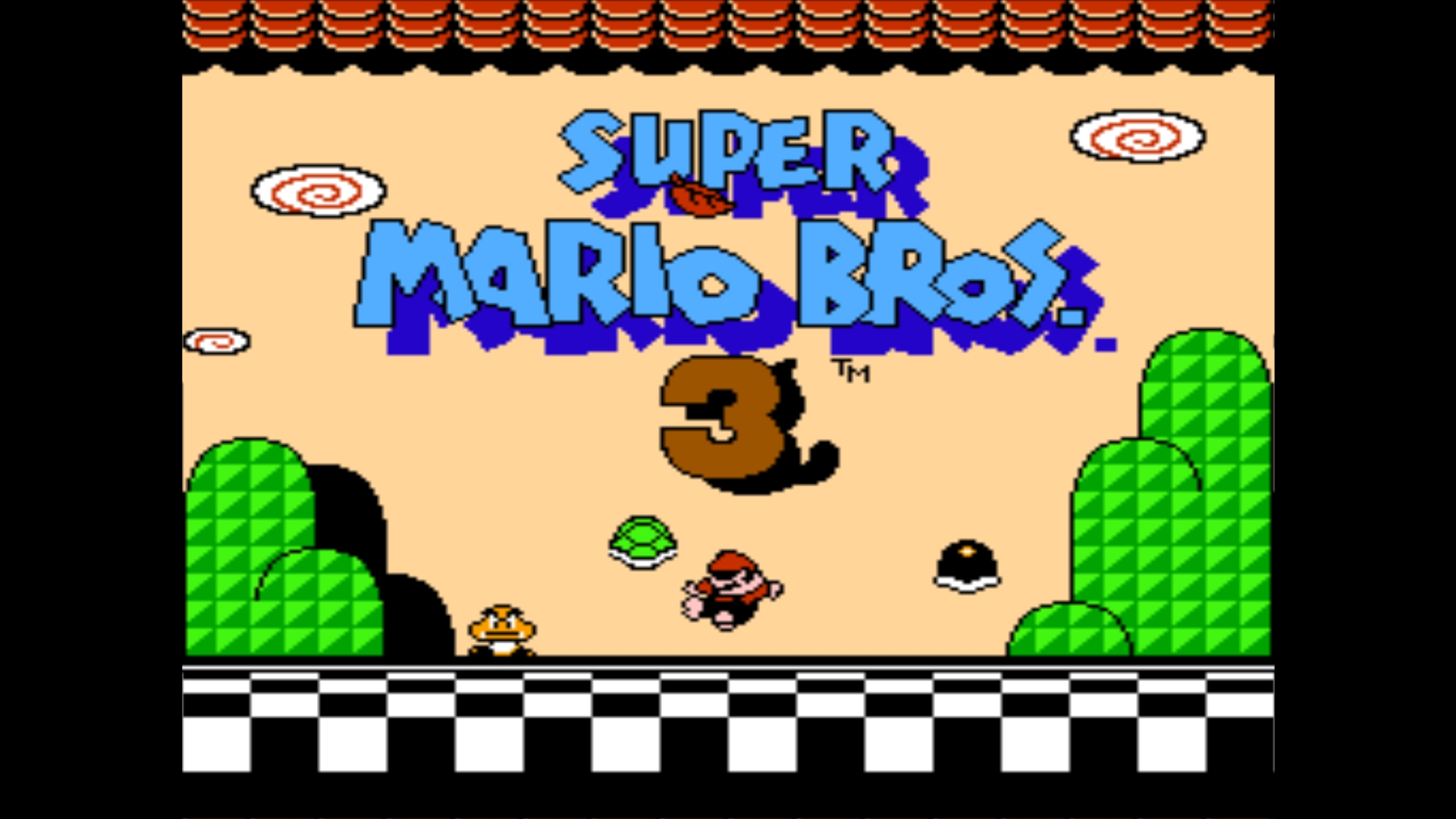
A NES emulator running inside s&box.
Running it
Press Play. You land on the ROM browser, which lists every `.nes` file it finds
and lets you pick one. Filenames don't matter - whatever is in the folder shows
up.
Leaving a game with Tab parks it rather than shutting it down - the whole console state (RAM, PPU, mapper banks) is kept, and the game shows a RESUME tag in the list. Picking it again drops you back exactly where you were, so you can switch between several games freely. Parked sessions live in memory only; they don't survive closing the game.
Adding ROMs
Drop `.nes` files into the game's data folder, roughly:
```
<steam>/steamapps/common/sbox/data/rosner/s_famicom/roms/
```
Press Tab in the browser to rescan without restarting. The emulator logs
every ROM it finds on each scan, so if something isn't showing up the console
will say what it did see.
ROMs are not included - supply your own.
```
<steam>/steamapps/common/sbox/data/rosner/s_famicom/roms/
```
Press Tab in the browser to rescan without restarting. The emulator logs
every ROM it finds on each scan, so if something isn't showing up the console
will say what it did see.
ROMs are not included - supply your own.
Controls
D-Pad -> WASD/Arrow keys
A button -> X key
B button -> Z key
Start button -> Enter key
Select button -> Backspace key
Pause emulation -> P key
Reset console -> F5 key
Back to the game list -> Tab key
In the browser: up/down to move, Enter or X to play, Tab to rescan. The mouse
works too.
A button -> X key
B button -> Z key
Start button -> Enter key
Select button -> Backspace key
Pause emulation -> P key
Reset console -> F5 key
Back to the game list -> Tab key
In the browser: up/down to move, Enter or X to play, Tab to rescan. The mouse
works too.
Known limitations
- Undocumented 6502 opcodes (LAX, SAX, DCP, ISB, SLO, RLA, SRE, RRA) execute
as no-ops. Most commercial games never touch them, but a few do.
- No battery-save persistence. MMC1/MMC3 carts get their 8K of work RAM, but
it isn't written to disk between sessions.
- NTSC only - no PAL timing.
- No colour emphasis (the top three bits of `$2001`). Rarely used, and mostly
for full-screen tints.
- No save states.
Credits
- nes-sharp - the C# NES core this was ported from.
- psxemu - the reference for how to host an emulator inside s&box: texture upload path, `SoundStream` handling and frame pacing.
- NESdev Wiki - hardware documentation, particularly for the APU channels and mixer, which were written from scratch here.
270
Total Users
312
Total Sessions
1.4 days
Total Playtime
0 recorded entries
| Rank | Player | Score | Recorded |
|---|---|---|---|
|
refresh
Discovering package leaderboards...
|
|||
Package ID:
rosner.s_famicom
Created:
2026-08-01 09:51 UTC
Updated:
2026-08-01 10:38 UTC
Type:
game
Public:
Yes
Version:
337964
files:
42
Size:
0.2 MB
Engine Version:
28
Asset Version ID:
337964
Version Created:
2026-08-01 10:38 UTC
Hash:
1788116978
Manifest: Open manifest
Multiplayer:
Unknown
Versus:
Unknown
Co-op:
Unknown
sports_esports Input & Control Support
Keyboard & Mouse
cancel Unsupported
Controller / Gamepad
cancel Unsupported
Virtual Reality (VR)
cancel Unsupported
settings Engine & Multiplayer Configuration
Player Count:
1 - 64 Players
Tick Rate:
50 Hz
Network Type:
Multiplayer
Startup Scene:
scenes/minimal.scene
Map Select:
Unrestricted
337964
Aug 1, 2026
Changes on 2026-08-01
337958
Aug 1, 2026
Changes on 2026-08-01
337796
Jul 31, 2026
Changes on 2026-07-31
Live API Passthrough & Removal Notice
This file manifest and asset metadata are retrieved live directly from the official Facepunch s&box public API. s&box Explorer does not host, store, or redistribute any package files. All download links route directly to Facepunch CDN servers.