
Shop Manager
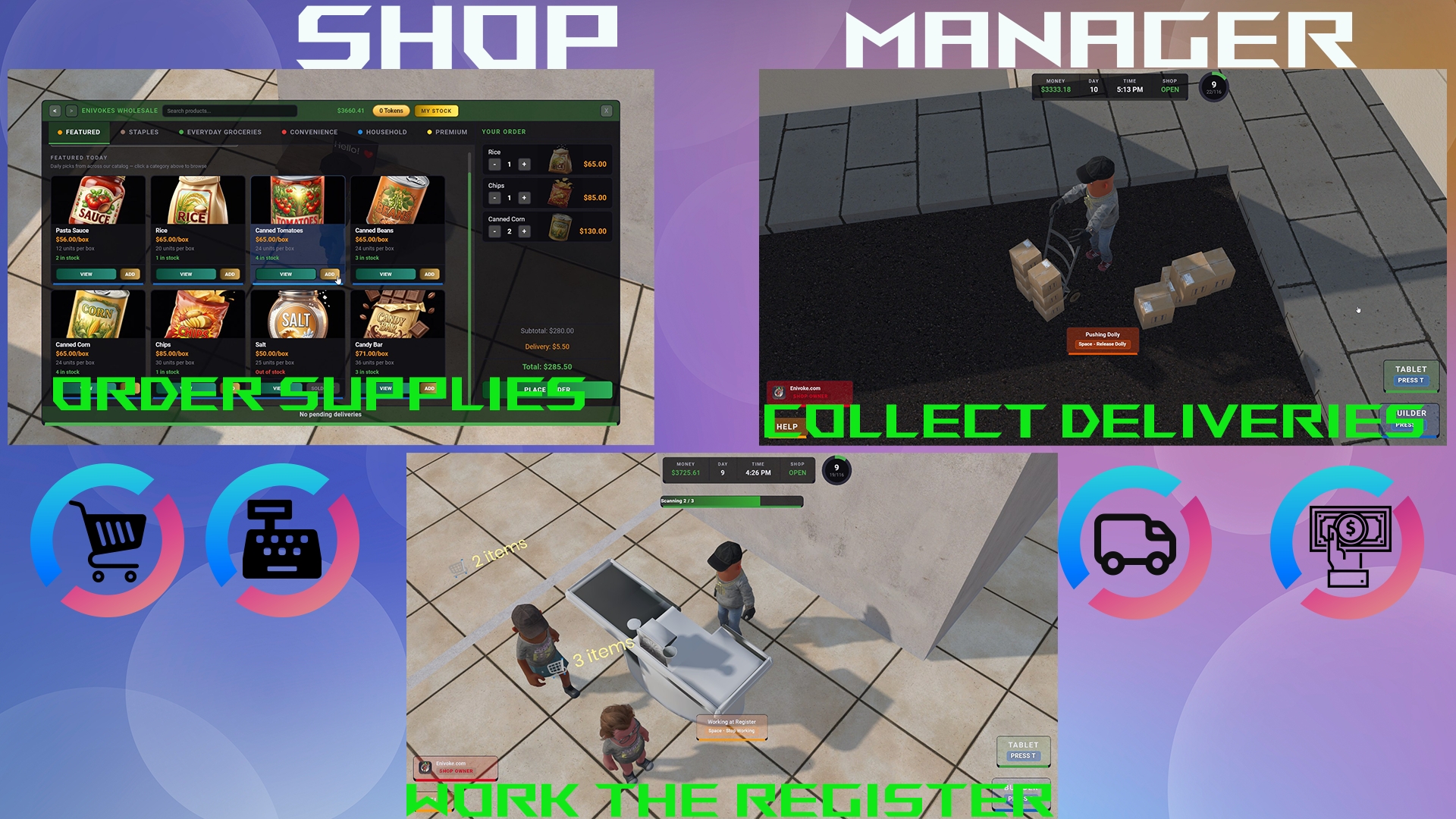
Manage your shop and inventory, hire staff to work for your company and more
favorite108favorites
thumb_up45upvotes
thumb_down25downvotes
hard_drive
215 MB
folder
457 files
build
Engine v28
About This Package
Shop manager tycoon
Loading Screen
Media (4)
718
Total Users
1,347
Total Sessions
19.8 days
Total Playtime
Global Statistics
638.5K
player-level
22.1M
playtime
248.6K
shelves-placed
81.9B
shop-funds
166.8K
tokens-spent
26.8M
total-customers
716.3M
total-expenses
81.9B
total-profit
82.6B
total-revenue
4.4M
boxes-purchased
966.0K
current-day
423.4K
current-tokens
Positive
Negative
How this works: This chart tracks all anonymous thumbs up/down votes, not just the written reviews below. Playtime is permanently recorded at the exact moment the user casts their vote. Data is exactly as returned by the Facepunch API.
1m - 2m
2
2m - 4m
6
4m - 8m
1
8m - 16m
2
32m - 1.1h
4
1.1h - 2.1h
1
2.1h - 4.3h
3
4.3h - 8.5h
1
8.5h - 17.1h
2
17.1h - 34.1h
1
Package ID:
enifun.shop_manager
Created:
2026-02-18 16:28 UTC
Updated:
2026-07-14 22:36 UTC
Type:
game
Public:
Yes
Version:
310111
files:
457
Size:
215.0 MB
Engine Version:
28
Asset Version ID:
310111
Version Created:
2026-07-14 22:36 UTC
Hash:
1784068577
Manifest: Open manifest
Multiplayer:
Yes
Versus:
Unknown
Co-op:
Yes
Max Players:
4
Min Players:
1
Tick Rate:
50
Game Network Type:
Multiplayer
Map Select:
Unrestricted
Map List:
facepunch.flatgrass
Rank Type:
None
Per Map Ranking:
false
Leaderboard Type:
None
Cs Proj Name:
Startup Scene:
shopmanager.scene
Launch Mode:
Normal
Resources:
/ui/*
/models/*
/materials/*
/scenes/*
/compiled-models/*
/textures for materials/*
/shopmanager_scene_data/*
/*.scene
/*.prefab
Game Settings:
Code Package References:
Phone Business Update
Jul 6, 2026
Added
- NEW: Phone Orders. Unlocks at Level 7 on the wholesale computer. Customers call in pickup orders for products from your shop, fulfill them for bonus income on top of regular walk-in sales
- Buy the Pickup Table for $500 to get started, then toggle Accepting Orders ON and orders will come in throughout the day
- Each order shows the customer's name, products, quantities, and total payout. Accept or Decline as they come in
- Once accepted, fulfill from your stock (storage, dolly, floor boxes, or shelves), pick up the tinted order box, and place it on the Pickup Table
- The customer shows up shortly after to grab the box and pay, no register needed
- Yellow notification pops up in the corner when a new order comes in, so you don't have to camp the computer
- Yellow money pop-up celebrates each completed phone order, separate from your green retail sales
- Tutorial waypoint trail guides you to the Pickup Table for your first 2 orders, then disappears
- New Shop Upgrade: Phone Order Time. Gives you more time to fulfill an accepted order
- Wholesale supplier sends more stock per product each day
- Premium products are now less likely to be out of stock from the supplier
Improved
- Lots of smaller bug fixes and cleanup
Fixed
- Fixed scrollbars across the wholesale computer