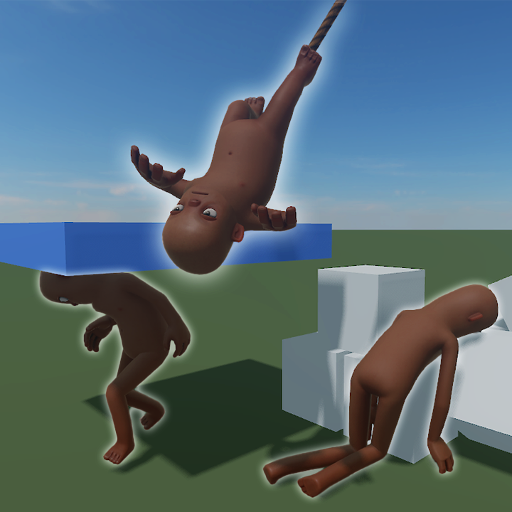
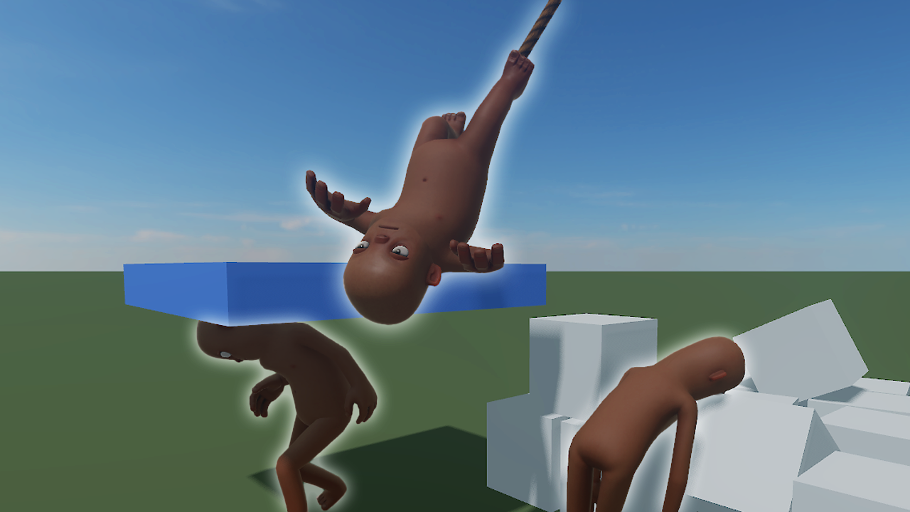
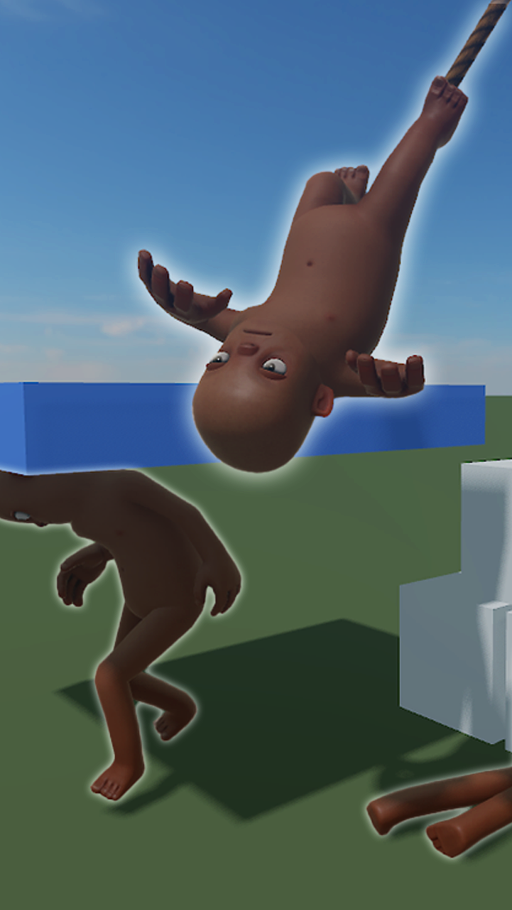
A ModelPhysics wrapper that expands its features and lets you easily switch to different ragdoll modes.
Enabled: The default mode we all know as "ragdoll", driven by physics Passive: Collisions enabled on all bodies, driven by animations Active: Collisions and simulation enabled, but bodies follow the renderer, driven by animations then by physics Motor: Everything enabled, but the joint's motors are set to follow their parent space animations, similar to euphoria ragdolls
How to use
Shrimply look up the Shrimple Ragdoll component and add it to your gameobject, then set the renderer you want to target and the mode. If you want to mess with physics beforehand, like tying the ragdolls like in the video, shrimple enable CreateGameObjects on the renderer.
Lerp
Shrimple Ragdoll also offers lerping between various modes to smoothly transition, for example from Enabled to Passive, like getting up.
StartLerpMeshToAnimation( duration, targetMode ): Override the bone's transform to the current animation pose, then switch to targetMode StartLerpObjectsToAnimation( duraction, targetMode): Lerp the objects to the current animation pose, then switch to targetMode StartLerpBodiesToAnimation( duration, targetMode): Lerp the bodies physically to the current animation pose, then switch to targetMode And various other overrides that lets you select specific bodies and modes.
Procedural hit reactions
With the Shrimple Ragdoll component, you'll be able to use procedural localized hit reactions on your model: You define a hit position, hit direction, strength, radius, duration, and it will automatically and smoothly translate the impacted bones backwards, twisting and offsetting depending on the force.
ApplyHitReaction( hitPosition, force, radius, duration, rotationStrength ): Start the procedural hit reaction on the specified world position and radius, it will then look up which bones fall inside of the radius and begin the animation. Multiple hit reactions can happen at the same time, but beware of having too many happen on the same spot too quickly or else your head will start twisting backwards!
Partial Ragdolling
You're able to partially ragdoll only certain bones or limbs so that they flop around, like breaking an arm or leg!
RagdollBone( rootBone, targetMode, includeChildren ): Ragdolls a single bone and optionally all its children UnragdollBone( rootBone, IncludeChildren ): Unragdolls a single bone and optionally all its children
You're also able to set this in the editor through Advanced Properties, there's a Dictionary where you set the bone name and the target mode, this is set inside of OnStart so you could for example have a zombie NPC where in their prefab their spine is set to motor and they'll flop around.
Extra properties
Shrimple Ragdolls come with extra properties on top of ModelPhysics that you can set
Gravity: Set gravity to all bodies GravityScale: Set gravity scale to all bodies LinearDamping: Set linear damping to all bodies AngularDamping: Set angular damping to all bodies MassOverride: Correctly scale the mass of all bodies based on their ratio so that it matches this value Surface: Set the Surface on all colliders ColliderFlags: Set ColliderFlags on all colliders MassCenter: Calculates the current mass center by the average of the bodies mass center weighted by their mass
Advanced properties
To enable these you'll have to right click the component and check the "Show Advanced Properties" box
MotorFrequency: The frequency of the joint's motors MotorDamping: The damping of the joint's motors ActiveLerpTime: How fast the Active mode takes to reach final transform PartialRagdollConfig: A dictionary to manually set partial ragdolled bones in the editor
Extra methods
Move( Transform ): Move the ragdoll without affecting its velocity or simulating collisions ApplyVelocity( Vector3 ): Apply a velocity to the ragdoll as a whole rather than on every body individually ApplyAngularVelocity( Vector3 ): Correctly apply an angular velocity to the ragdoll, spinning it around the mass center ApplyForce( Vector3 ): Apply a force to the ragdoll on all bodies ApplyTorque( Vector3 ): Apply a torque to the ragdoll on all bodies ApplyImpulse( Vector3 ): Apply an impulse to the ragdoll on all bodies
GetModelMass(): Returns the model's default mass through its physics model data SleepPhysics(): Put all bodies to sleep WakePhysics(): Wake up all bodies GetBodyByX(x): Varioud methods to retried a ragdoll body GetDescendantBones(x): Returns the bone and all of its descendants in the skeleton MultiplyJointLimits( float ): Multiply the limits of each joint so they're able to move more
Source code:
Media (4)
16,308
Total Users
28,476
Total Sessions
9.1 months
Total Playtime
Positive
Negative
info
How this works: This chart tracks all anonymous thumbs up/down votes, not just the written reviews below. Playtime is permanently recorded at the exact moment the user casts their vote. Data is exactly as returned by the Facepunch API.
2m - 4m
1
1
8m - 16m
1
1
32m - 1.1h
1
1
1.1h - 2.1h
2
2
17.1h - 34.1h
1
1
emoji_events
No achievements available
This package doesn't have any achievements defined.