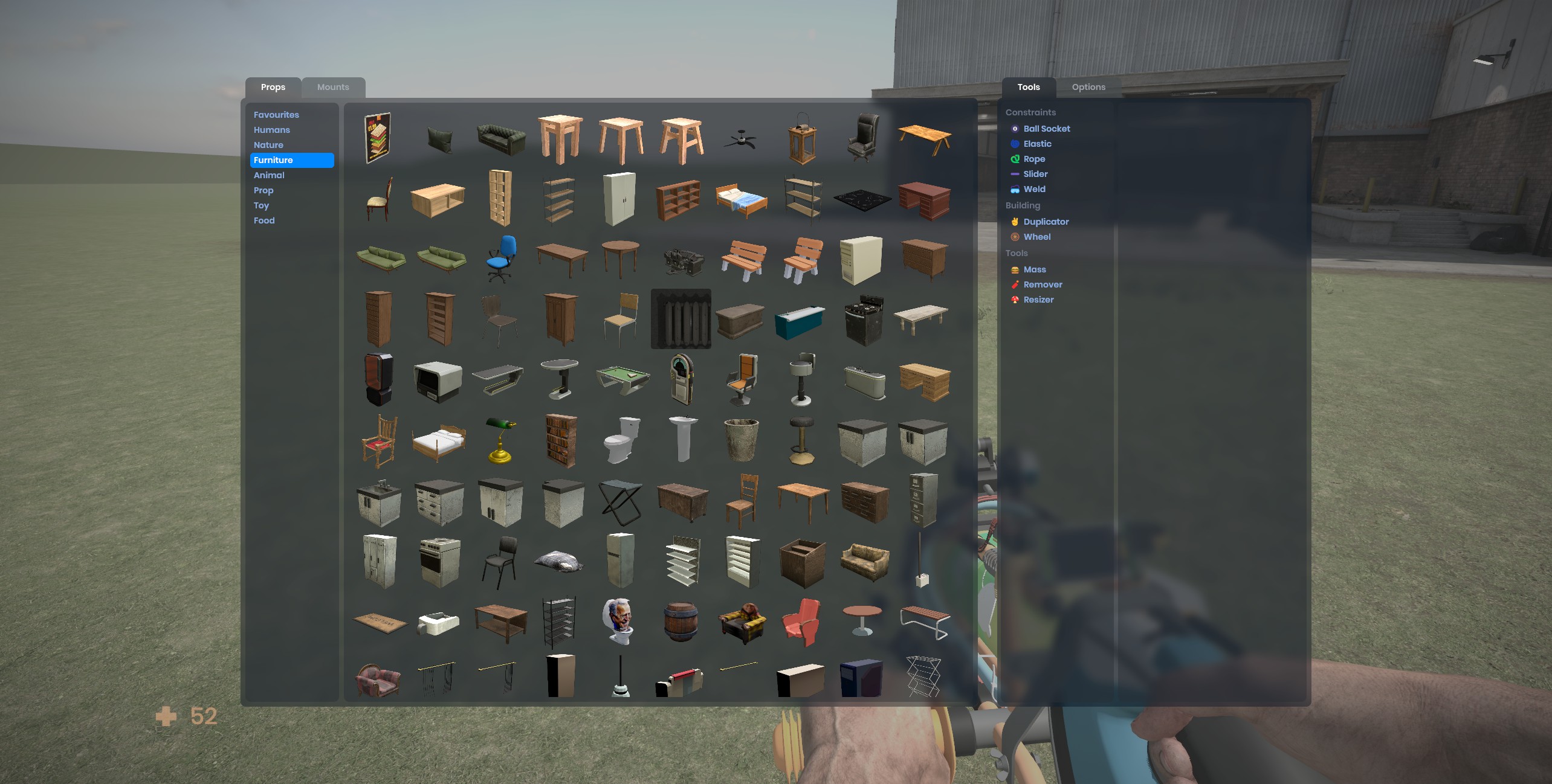
Our official Sandbox Mode is now live. It's still very much a work in progress, we're iterating on it, but it gives a good idea of what it's going to be.
Workshop Models
You don't have to download and install models. You can spawn them straight from the cloud. This sounds horrible when you first hear it, like it's going to be a 3 minute wait to spawn a model.. but it's not. We've gone to great pains to make sure everything downloads as fast as possible, and in reality it's usually less than a couple of seconds. sbox.2025.08.01.10.32.38.jpg505.57 KB
Mounts
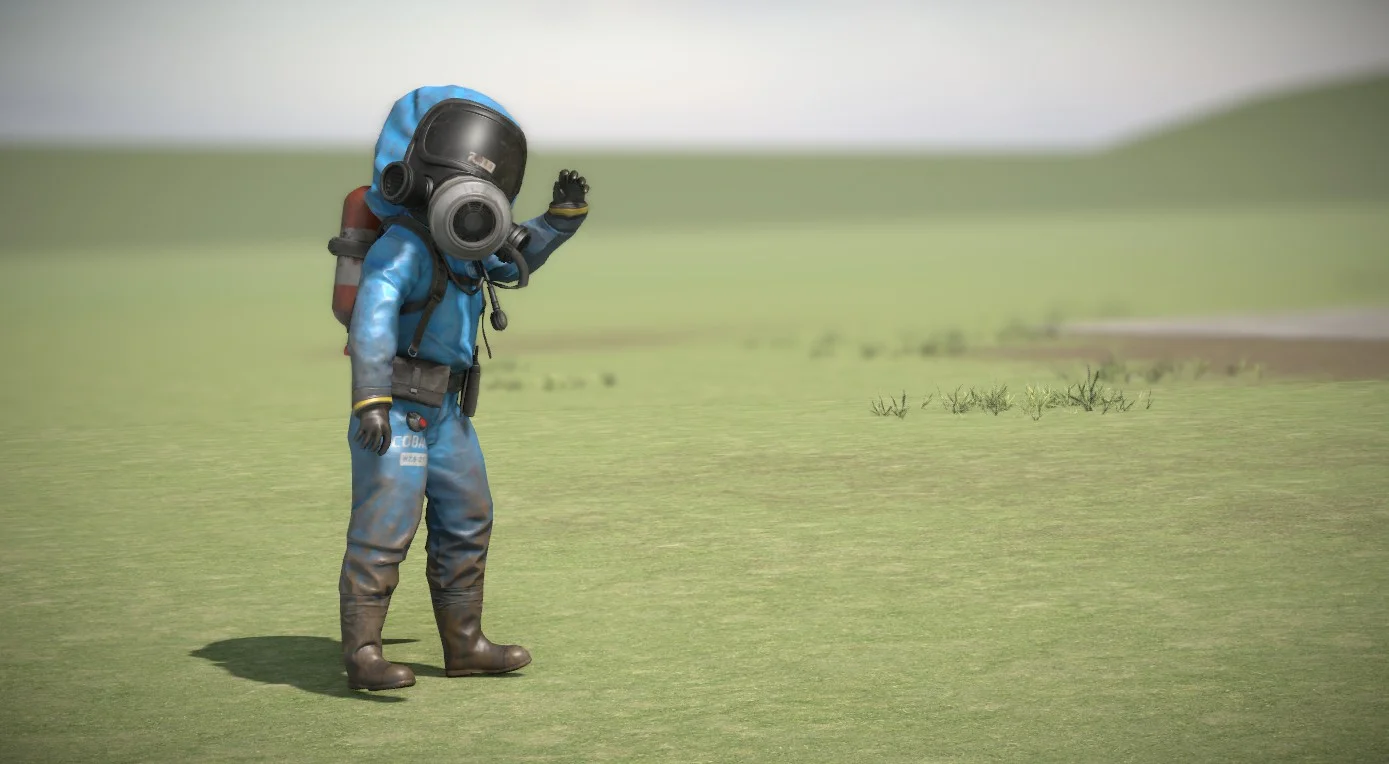
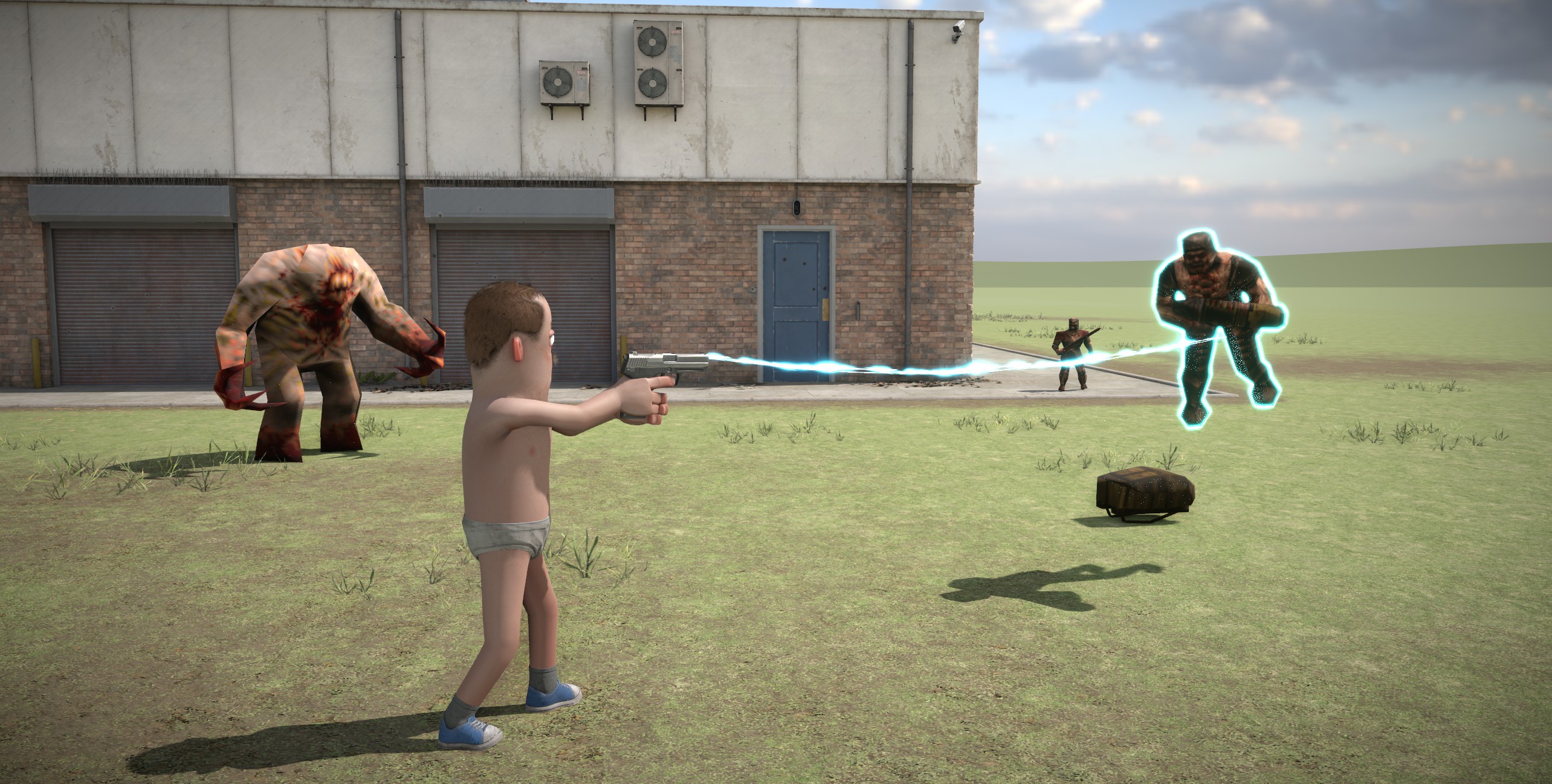
We have a mount system in s&box that no-one knows about yet. Basically you can mount games and spawn their assets. We only ship with support for Quake at the moment. If you have quake installed on Steam you'll be able to spawn Quake models. This is a system that people can write their own mounts to support - so it's infinitely extendable.sbox.2025.08.01.10.32.23.jpg797.84 KB
Multiplayer
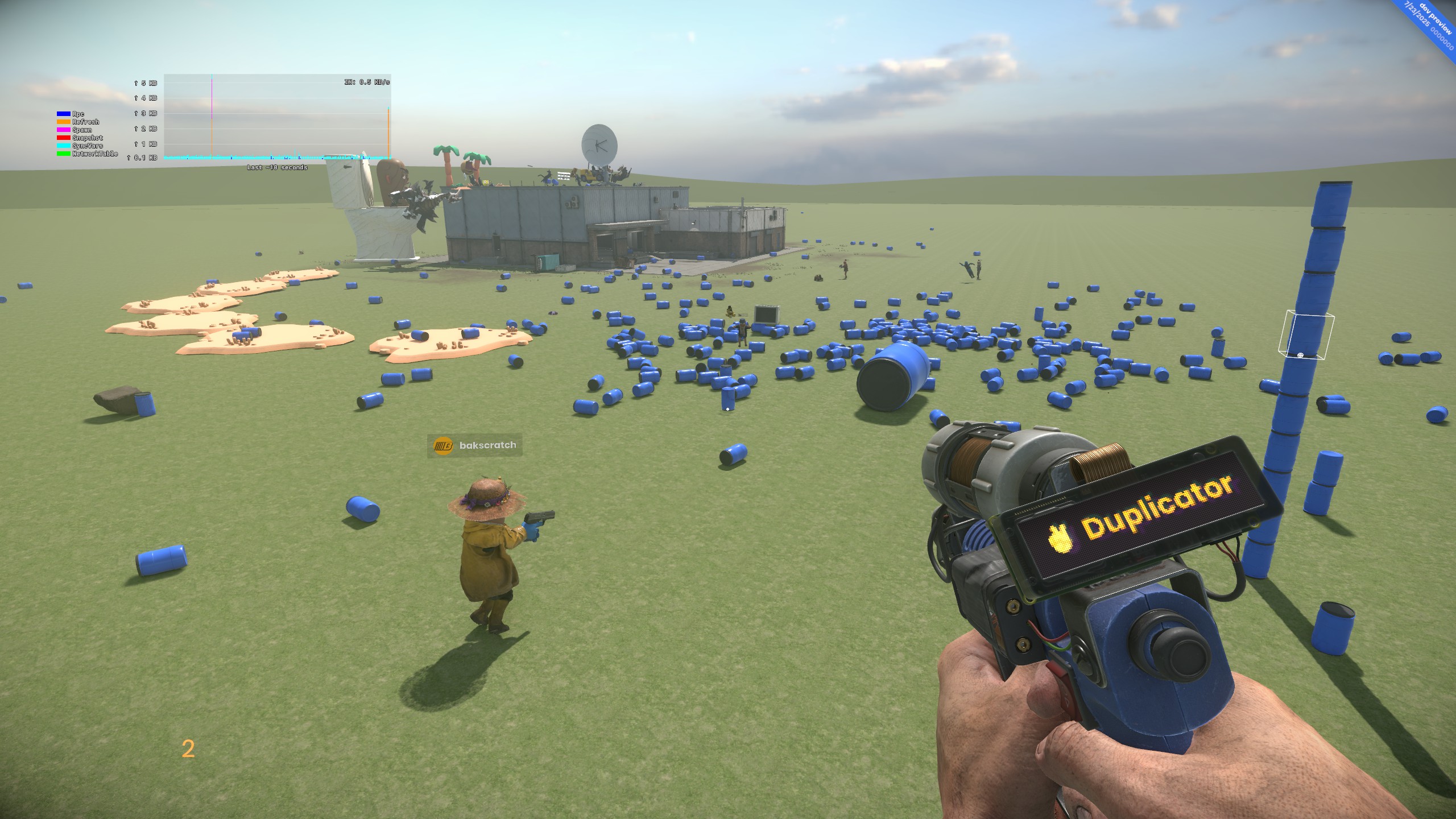
We have a few of the basic tools in game, with the familiar UI. They support things like undo and multiplayer - as you'd expect.. We have more to add, and more things we want to explore - but the important thing it's a working system.sbox.2025.07.23.14.13.26.jpg646.17 KB
Next Steps
Now the baseline is done it's time to start exploring some of the harder things. I want it so you can spawn weapons, tools, vehicles and npcs in the same way that you can spawn props, from the cloud without addons. I'd like to find an elegant way to do it for tools too. There's saving duplications and saved games too.
Next steps will be to add IK controls to make animating characters much more intuitive, adding a way to export your movies to video files, and thinking about how movies can trigger game events from the timeline.
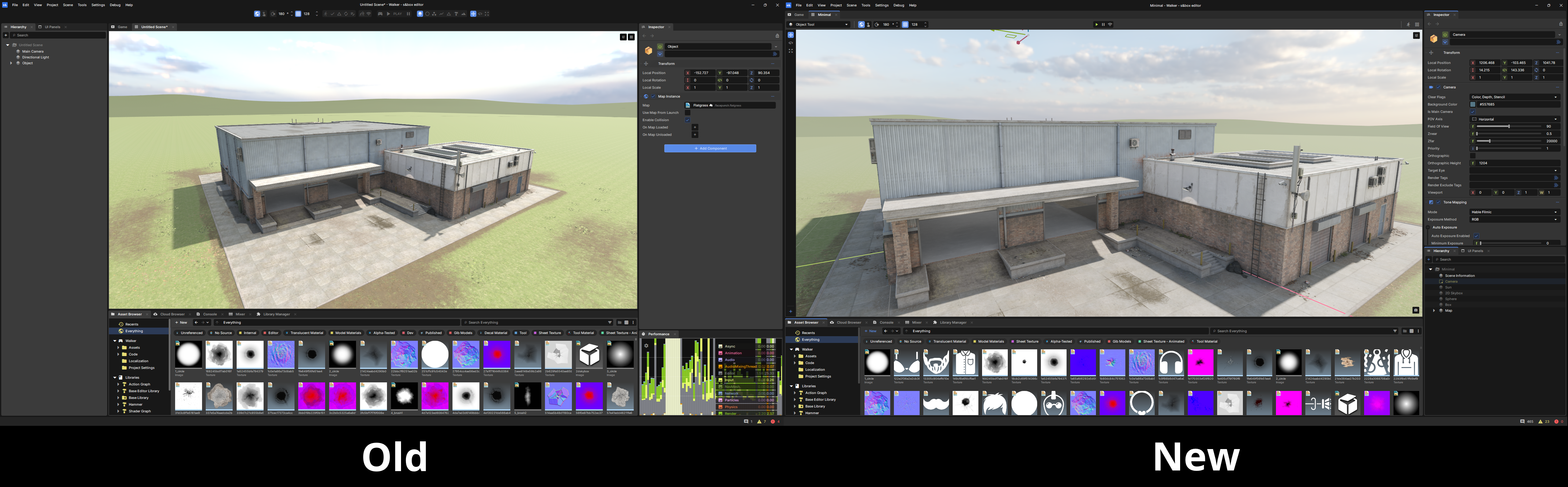
We've changed the way tools work inside the editor. Rather than having a horizontal bar of controls that persist throughout the whole editor, we've moved tool modes into the scene viewport, and made it so that each tool has subtools - in the same way that applications like Blender work.
We're doing this because:
It gives us more flexibility in the future when it comes to the scene editor
We'll be able to make changes to things like scene mesh editing so that they function more closely to Hammer.
Moving the controls into the viewport puts them closer to where you're going to use them
We have more plans to make our editor experience great; we're going to continue evolving it over time based on feedback, and we're working on things that make our editor behave more like modern game engine editors:
Ejecting while playing
Togglable Asset Browser drawers
Refined menus for project, account, notifications, etc
We've also changed how the hierarchy looks, and refined various different layouts and widget appearances:image.png6.48 MB
We're introducing a long-requested feature that allows developers to run projects on dedicated servers with secure code hidden from clients. You can now wrap code in #if SERVER blocks to ensure it only runs on the server:
protected override void OnUpdate()
{
#if SERVER
  Log.Info( $"This is a server update!" );
#else
  Log.Info( $"This is a client update!" );
#endif
}
Additionally, any code file ending with .Server.cs will automatically be excluded.
We needed more ways to help debug networking performance, so I've added a network graph. In addition to that, I've improved the existing message stats overlay which was previously accessed by a console command. Both of these are now togglable by the F2 console in-game.
We have multiple Vector structs, and each were weirdly unique from one another. Now they all share the same members/functions you'd expect to see for your average 2D/3D/Matrix operations.
Vector2.Up, Vector2.Down, Vector2.Left, and Vector2.Right have also been reconfigured to follow the 2D graphics standard:
Right is +X, Left is -X
Down is +Y, Up is -Y
Now you can actually use Vector2.Up or Vector2.Right in your UI/razor code/anything drawn in screen-space and not have to worry about slapping a negative at the front.
For a full list of all Vector-related changes, see the "Improved" changelog at the bottom of the post.
It wasn't possible to define a SamplerState from C# which forced users to create workarounds. You can now define one and use the Attributes API to pass it to your shader. This is also available on the CommandList API.
Sam and I iterated on the LineRenderer this month. Adding PBR material support and a new Face Mode called Cylinder, which outputs 3D geometry for the line. sbox.2025.07.29.10.13.59.mp414.93 MB When used in conjunction you will be able to draw realistic looking ropes and cables. sbox.2025.07.30.14.33.31.jpg405.51 KB
The audio system now listens to sounds based on which scene they're played from, this fixed issues with scene panels stomping sounds played from the main scene. As a bonus, this allows scenes to have multiple audio listeners.459692058-6841d3e4-aef3-446b-b2da-c86c76e3df7f.mp410.37 MB
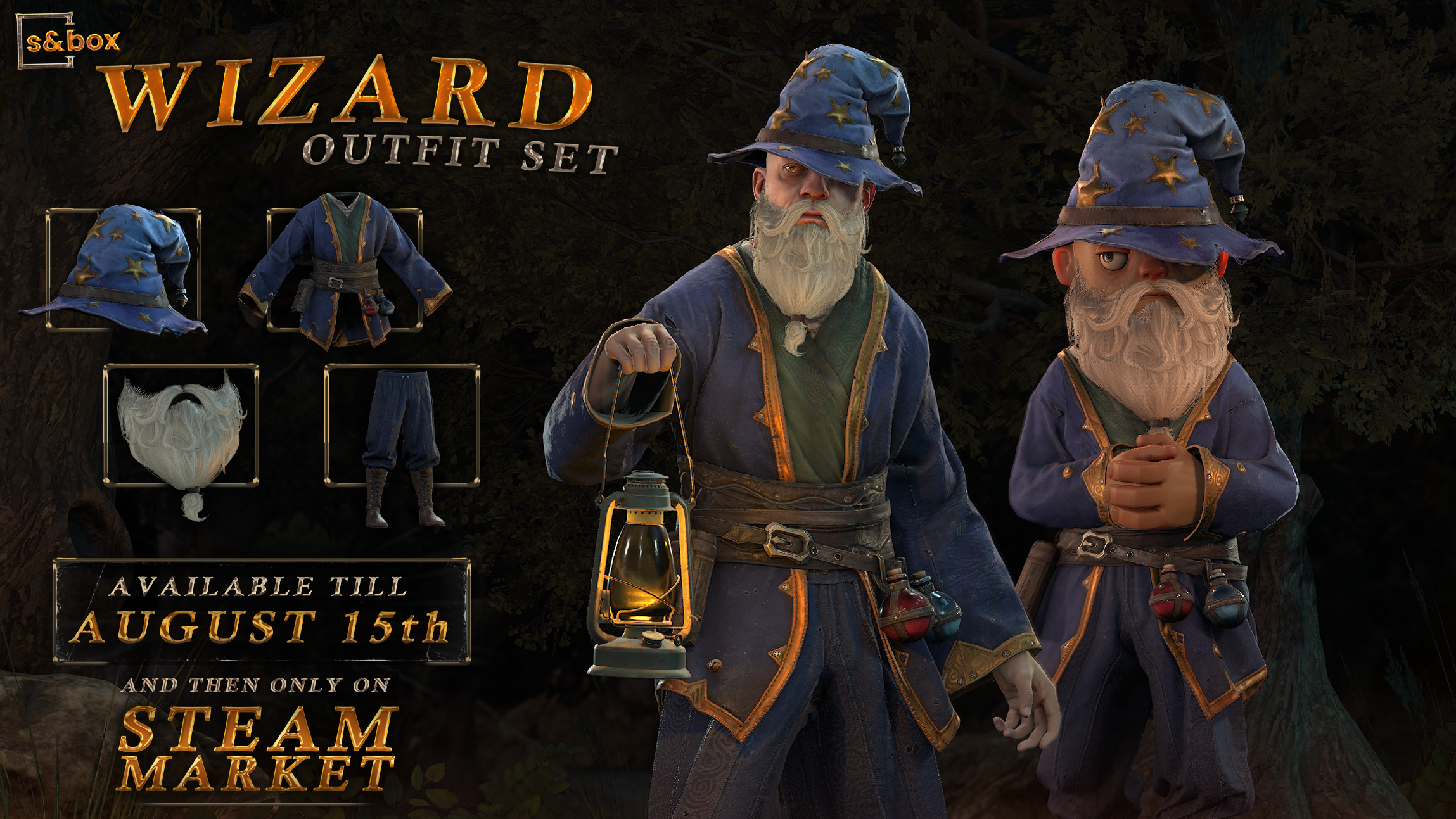
This month we're releasing the Wizard Outfit set, available for a limited time. After August 15th we'll remove it from sale and won't ever sell it again.wizard_promo_01.png4.06 MB In this set, we've released the Wizard Hat, Wizard Beard, Wizard Trousers and Wizard Gown! You can purchase these items in game now, via the Store tab on the main menu.
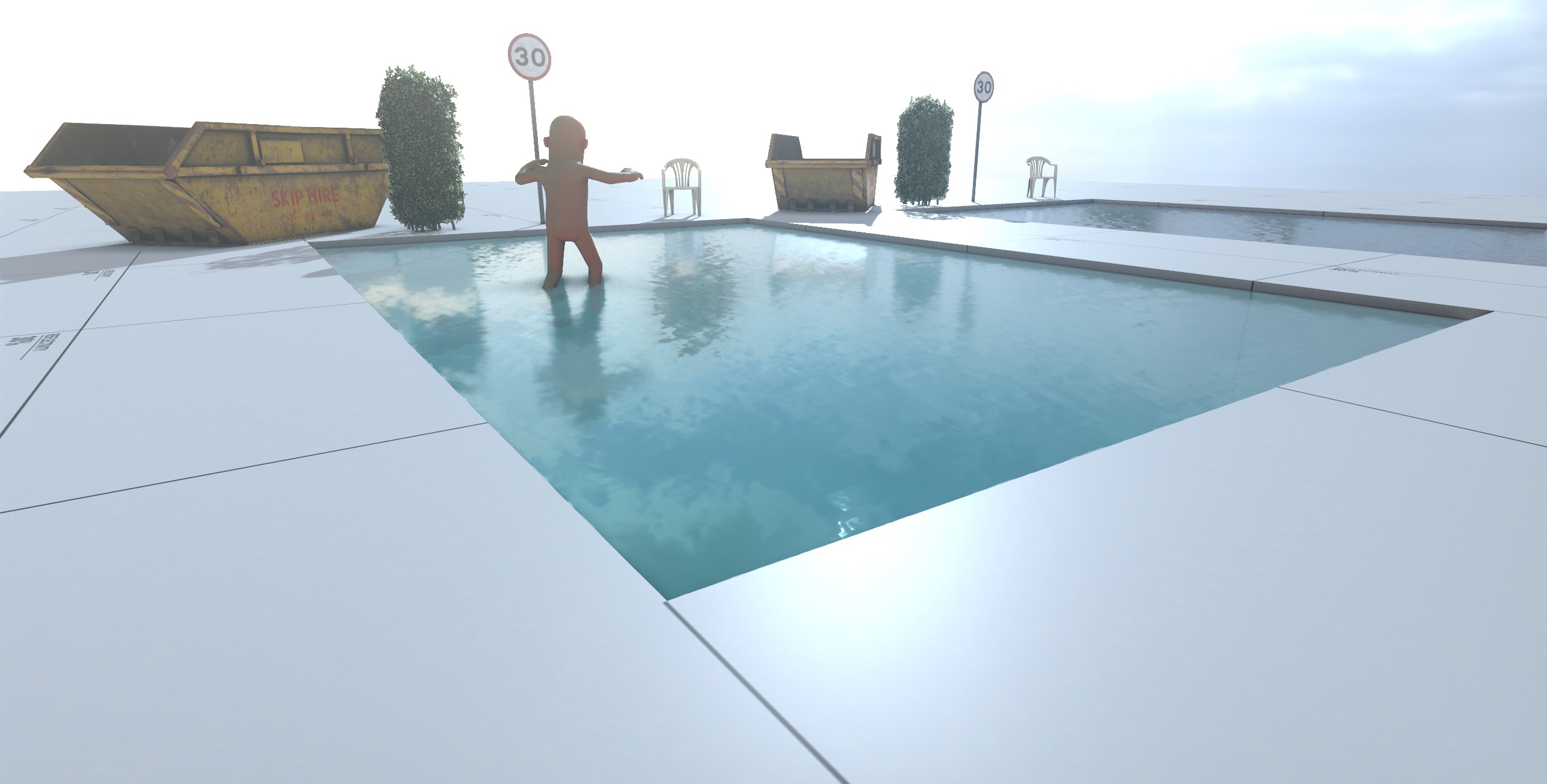
We didn't have a good water shader, so I made one. It isn't great, but first you make it exist, and then you make it better. There are a bunch of built-in water materials that we'll keep working on. sbox.2025.07.30.13.13.43.jpg247.43 KB
It feels like we have a handle on everything now. Before it felt like some stuff was lagging behind, or standing still. But now all aspects of the engine improve every month. I am really happy with our team here right now.
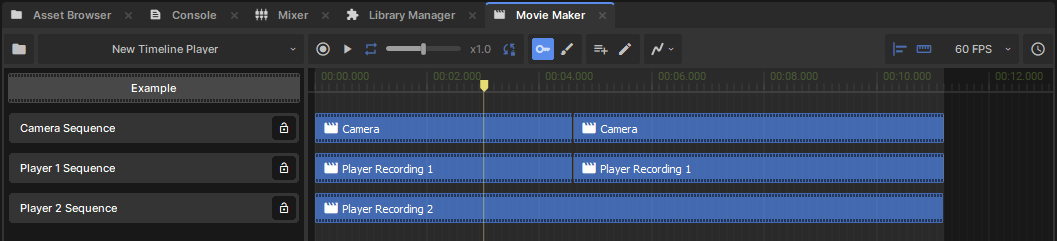
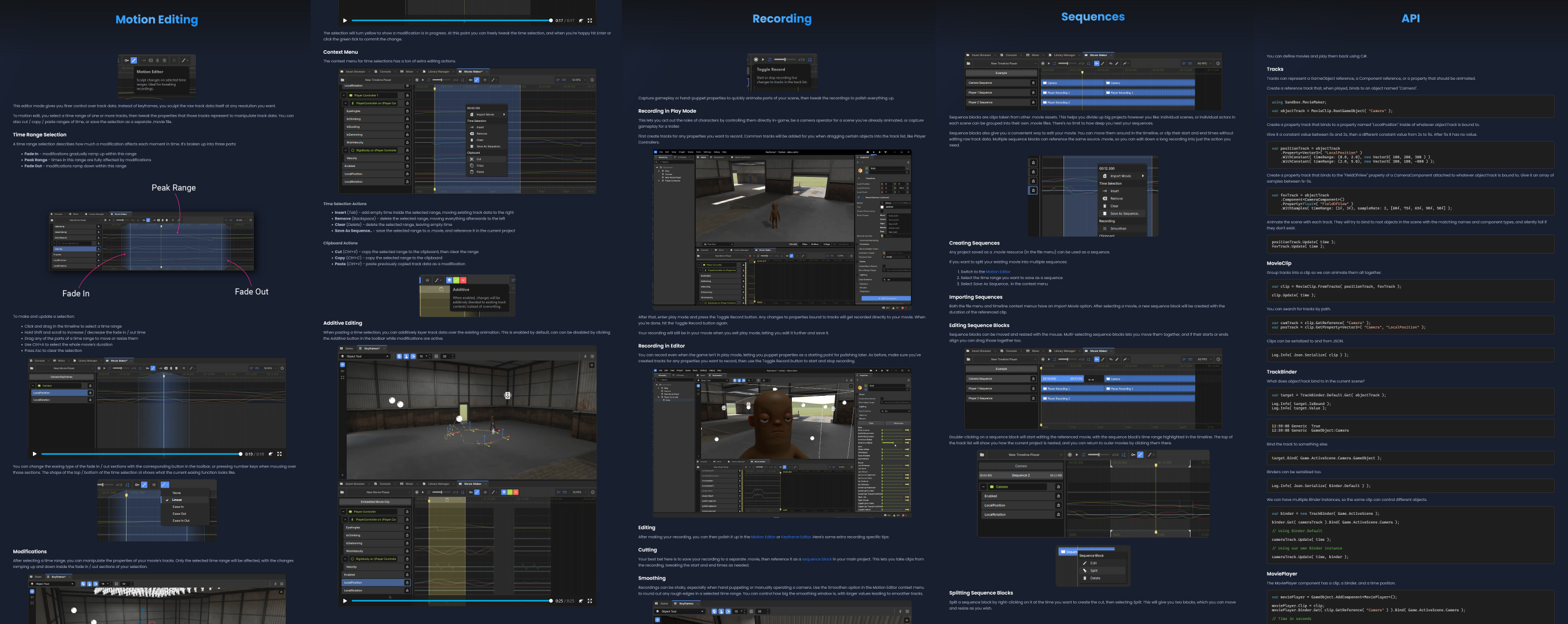
Shipping movie maker is a milestone for us. It's important that people can make animations, cutscenes and machinima in s&box. Pair that with the ability to mount other games, and I think we have something special.
Sandbox Mode is good for me. It's forcing some real dogfooding, which is forcing some real decisions to be made about how things work. That's good - because no-one wants to deal with this shit.
This month we sent out the June 2025 payments. A couple of people earned over $4,000 from their games and maps, and in total we paid out just under $30,000.


 devultj
 conna
conna Jase
Jase
 Carson
 antopilo
 Lorenz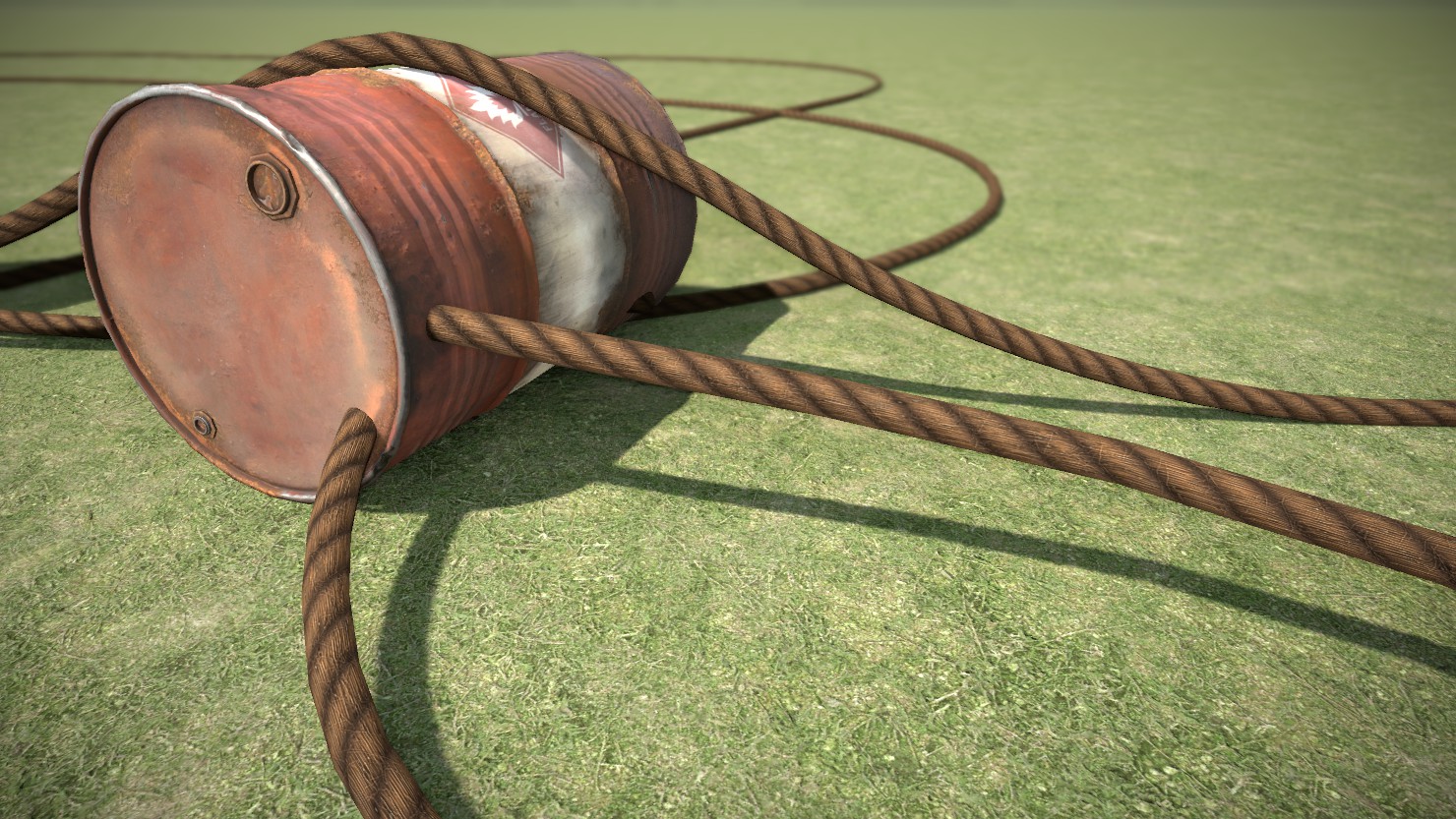
 Layla
Layla Danduw