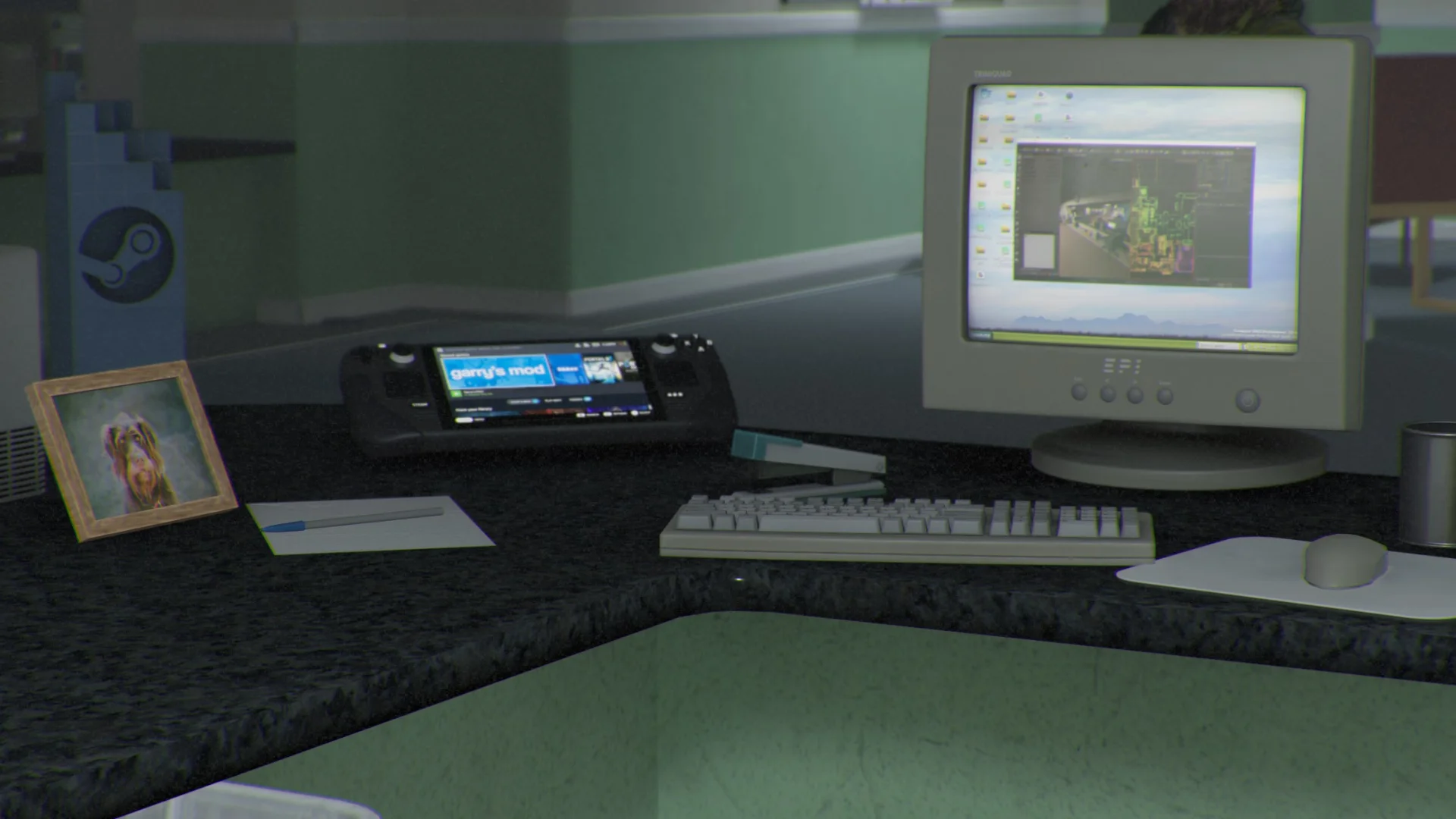
Input Actions
Games can define their own binds!


What are Input Actionsby devultj
Games can now define their own input binds. This is another step at breaking away from games feeling like mods, and feeling more like a whole new game.
Games no longer need the standard movement, jump, duck keys. They can delete those completely and define their own inputs via their project settings.
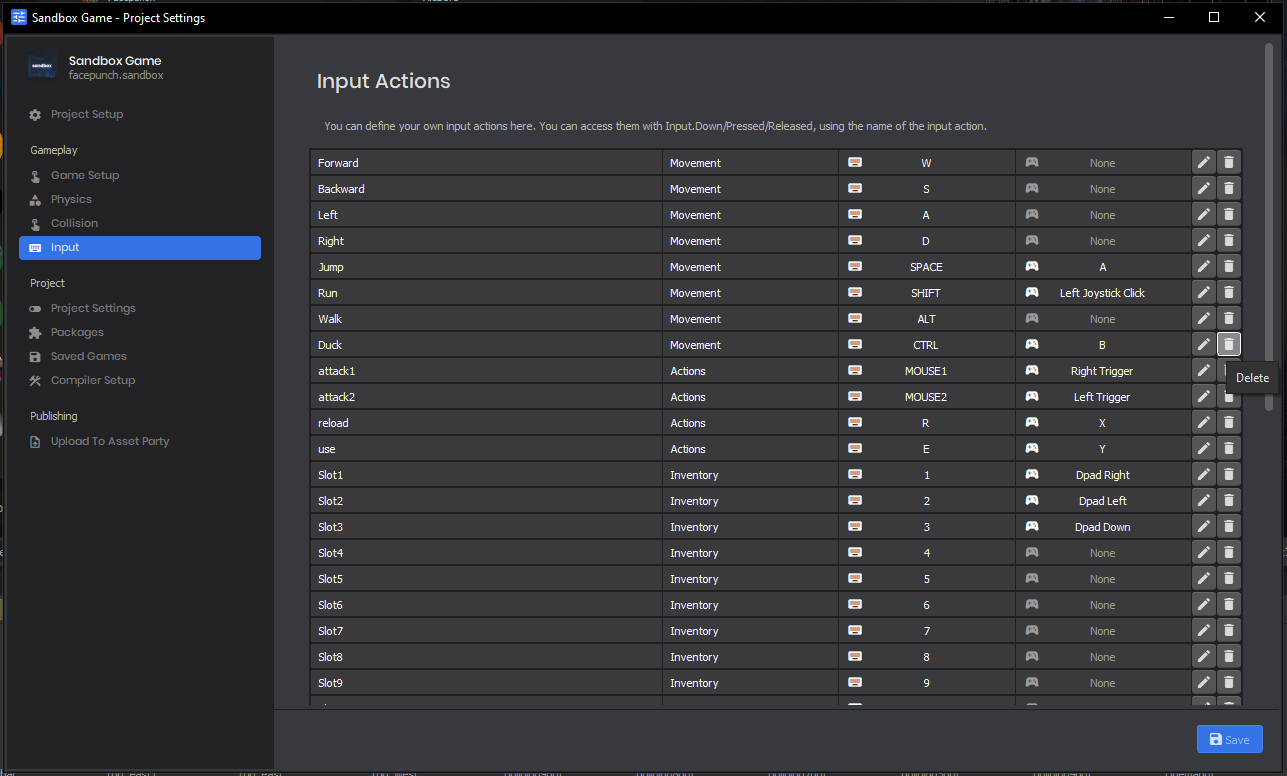
Testing for these keys (on both the client and server) is really as simple as it could be:
//
// The view button was just pressed this tick
//
if ( Input.Pressed( "view" ) )
{
// open a menu
}
//
// The attack1 button is down
//
if ( Input.Down( "attack1" ) )
{
// shoot a gun
}
//
// The jump button was just released this tick
//
if ( Input.Released( "jump" ) )
{
// make the player do a little hop
}
Input Glyphsby devultj
Input Glyphs aren't new to s&box, but Actions support them entirely.

Take a look at this page on our wiki for more information about glyphs.
Controller Supportby devultj
When we pair Steam Input with input actions, games are able to effortlessly support all popular controllers: Xbox, DualShock, Switch and the Steam Deck.
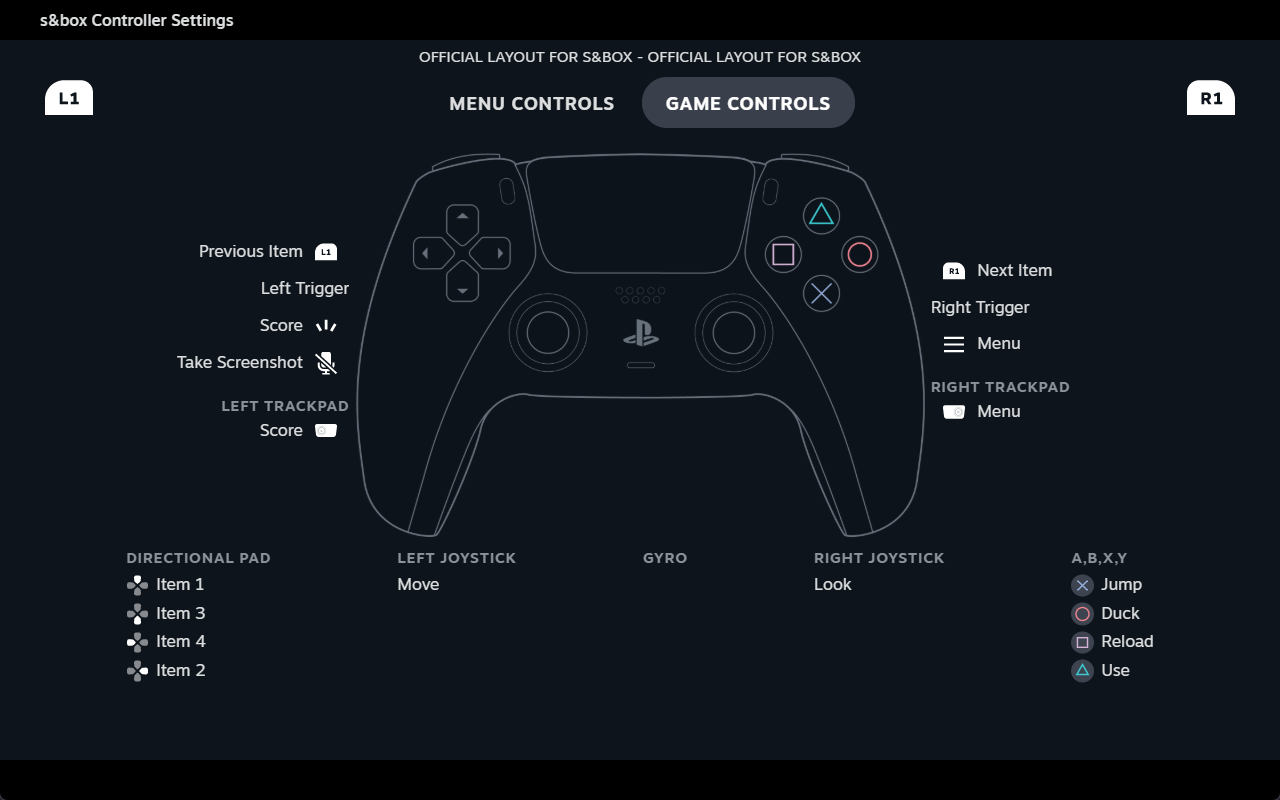
In case you missed it - we have full motion gyro support too. Check out our previous blog about it here.
Bindsby garry
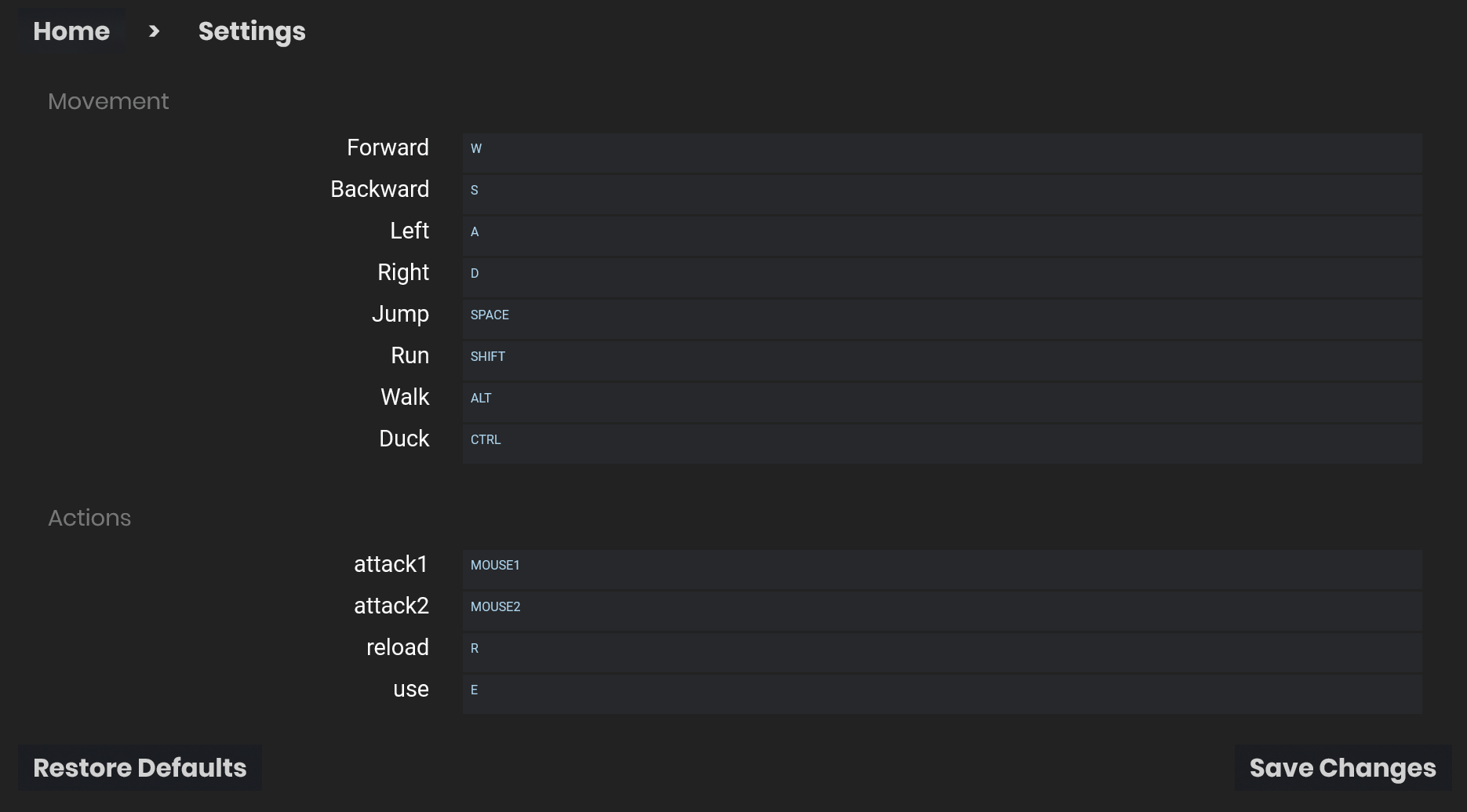
Players can edit the key binds in your game's menu. To avoid having to define keys in every game, if they haven't changed binds in your game - and the main game shares a bind - we'll use that as the default instead.
All of this is done automatically, you don't have to do anything to make this work.
Future Plansby devultj
Our input system isn't perfect, yet, but it's a lot more versatile than it was. It feels good.
We already have a long wish list of things we're going to improve here, so things can only get better ??