This week we've made it so you can sit on chairs.. We've added high fidelity terrain displacement, more stability metrics (crashes), addressing cosmetics and a bunch of other stuff
matt, garry, antopilo, ziks and 1 otherarticle
12 sections
We want to sit on stuff in Sandbox Mode. It's a common thing, so I built it into the engine's PlayerController.
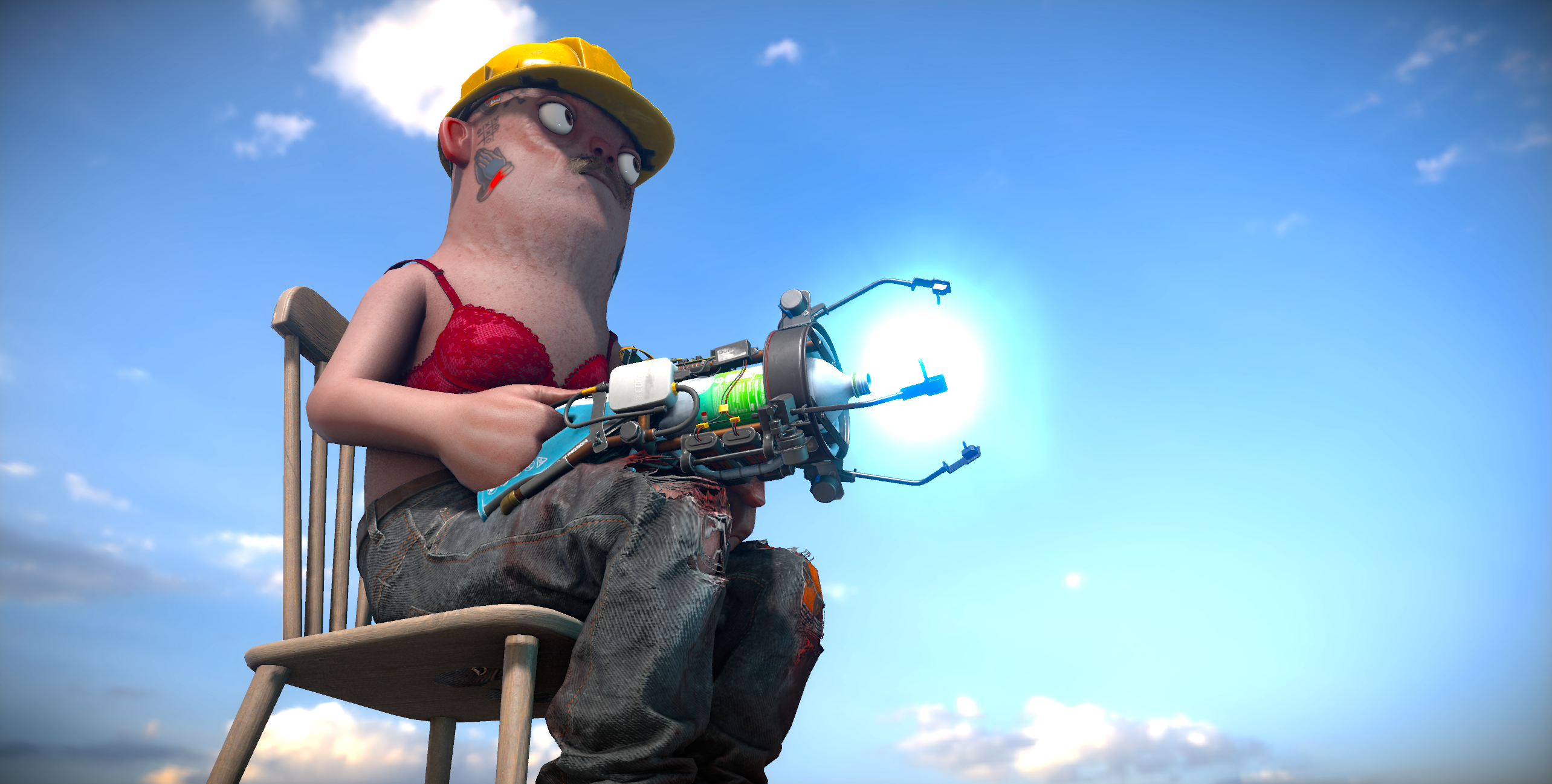
To use the new sit mode you need to add the SitMoveMode component to your player controller. Then add a Chair component to something, configure it, and you're done.sbox.2025.10.31.12.10.14.png2.5 MBTheir chair is quite an important piece of the puzzle here. It unlocks a lot of stuff when you think about it. A lot of things are really just chairs. Like beds. Or toilets. Or cars. Or bikes. Or arcade machines.
You're basically locking the player in a place and playing an animation. You could be redirecting their input into something else, which would create vehicles, or sentry turrets, or grabber machines. This is the key to a lot more functionality down the line.
Editor Config
BaseChair is a component you can use straight away in the editor to create chairs (you can also derive from it to create your own chair components easily).1105.mp444.81 MB
Future
Like I said, there's a lot we can build off of the chair stuff. We want more sitting animations (like lying down etc). More functionality (flags to restrict weapons etc). And then eventually, this is where vehicles are going to easily come from.
Terrain materials now support displacement. This helps making flat looking surfaces more detailed by varying the height of the geometry based on a displacement texture.sbox-dev_5ZF5DaTWi0.mp45.76 MBInstead of this being parallax it's moving actual vertices, which means you will also see shadows interact nicely.sbox-dev_uyQUKrvfig.mp410.44 MB
Each collider can have flags now. There are currently two flags.
IgnoreTraces - this collider will never be included in any traces, even if you want it to.
IgnoreMass- this collider won't contribute any mass to the object, which means that in a rigidbody it won't change the center of gravity or anything like that.
These are both quite useful in the context of chairs. I use them to create a non-traceble, no-mass sphere where the eye point is. This means that the eye point won't be able to fall through the world, but you won't have this invisible sphere that blocks bullets.
Last week we added Workshop Integration, which involved a popup to publish to the workshop. This works great but it was never visible in the editor. This meant that if you wanted to test this, you had to publish your game and test it live.
Now these overlays can appear in the editor too, so you can test it completely end to end without having to publish.
There are some other benefits to this:
Console
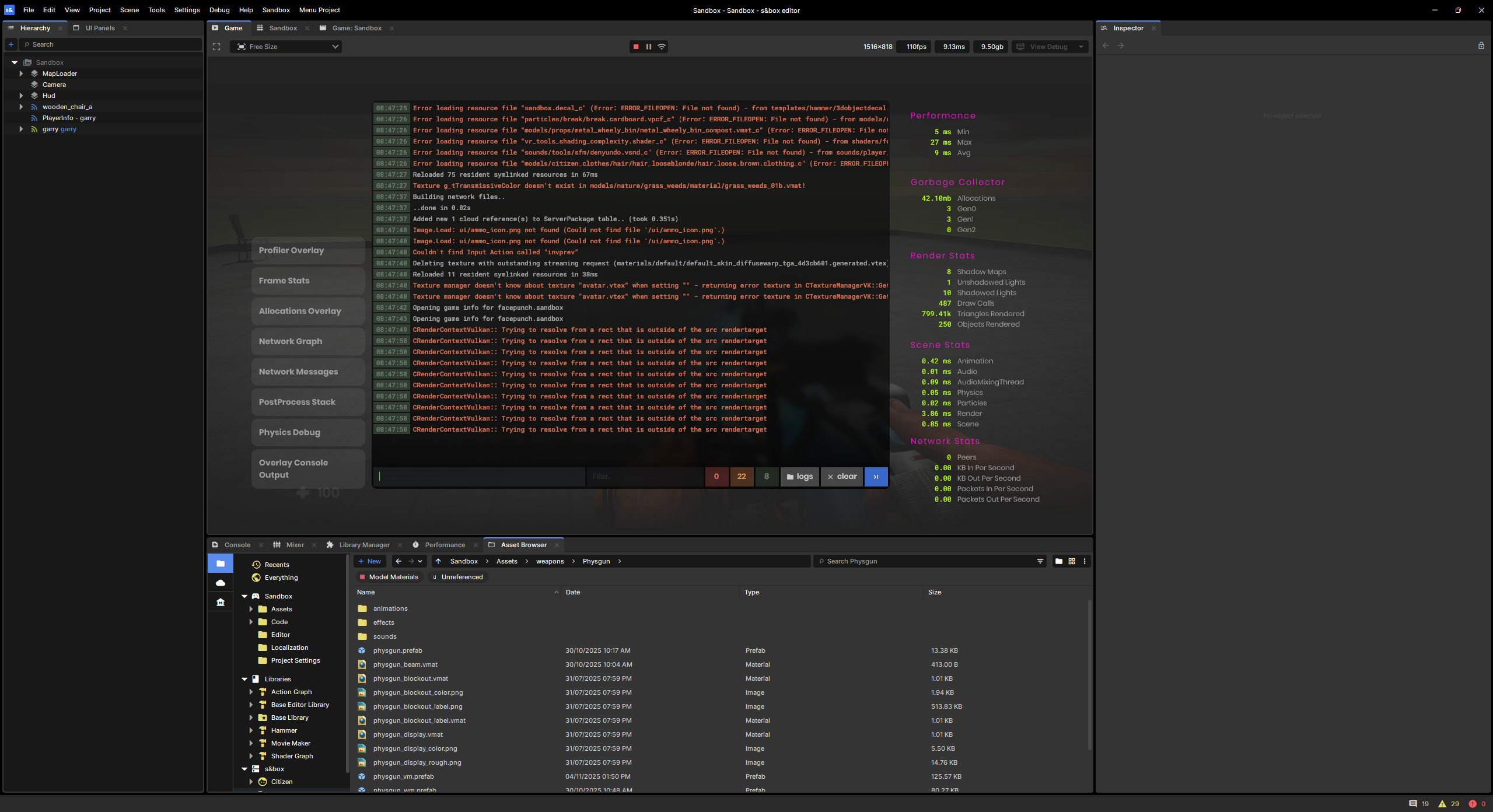
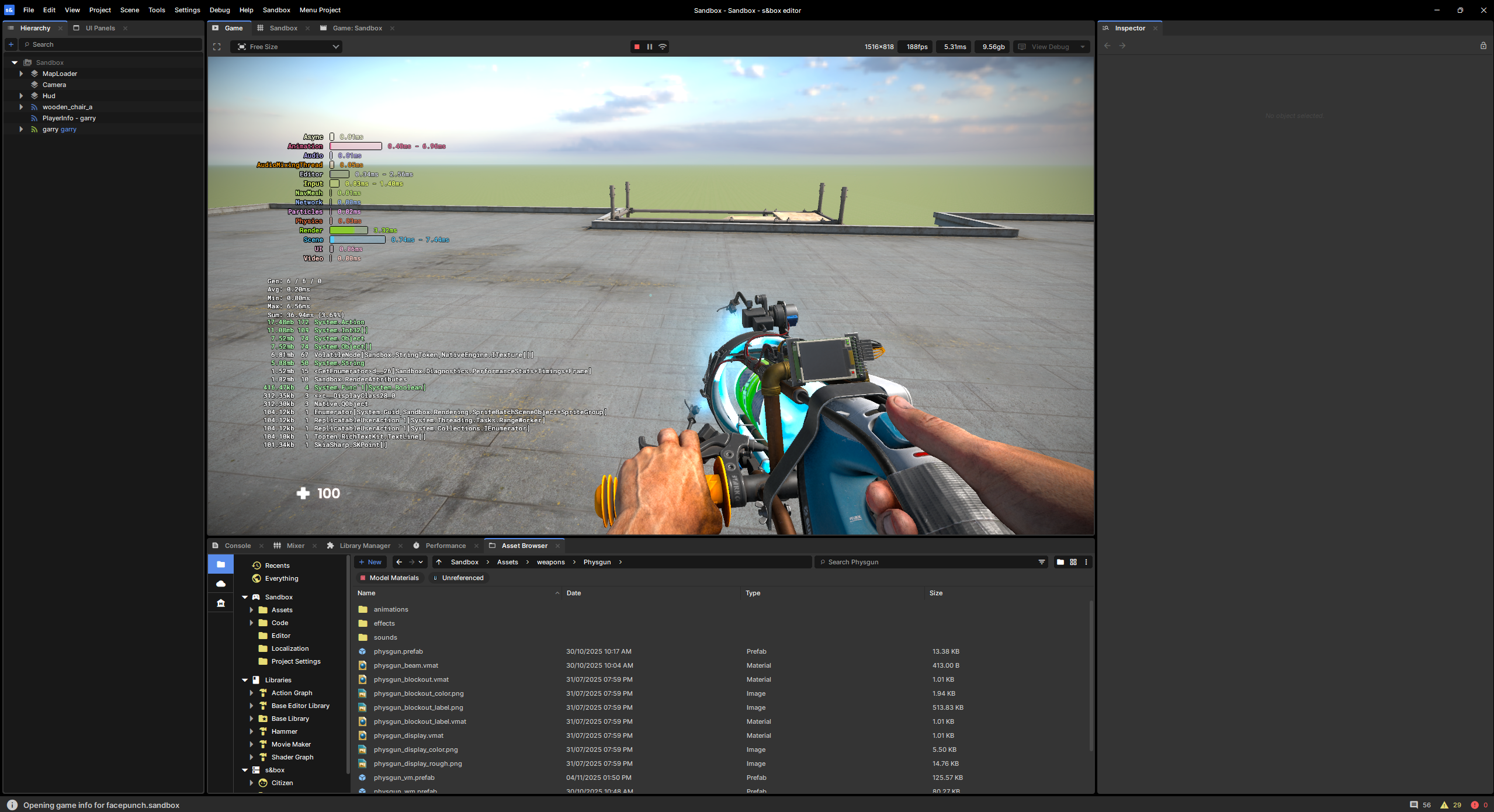
You can toggle the actual in-game console with F2. Whether or not this is better or easier than the editor's console is debatable, but it has all the stats too.image.png798.83 KB
Console Overlay
You can enable the console overlay - which makes it harder to miss warnings and debug logs.image.png1.93 MB
Profiling Tools
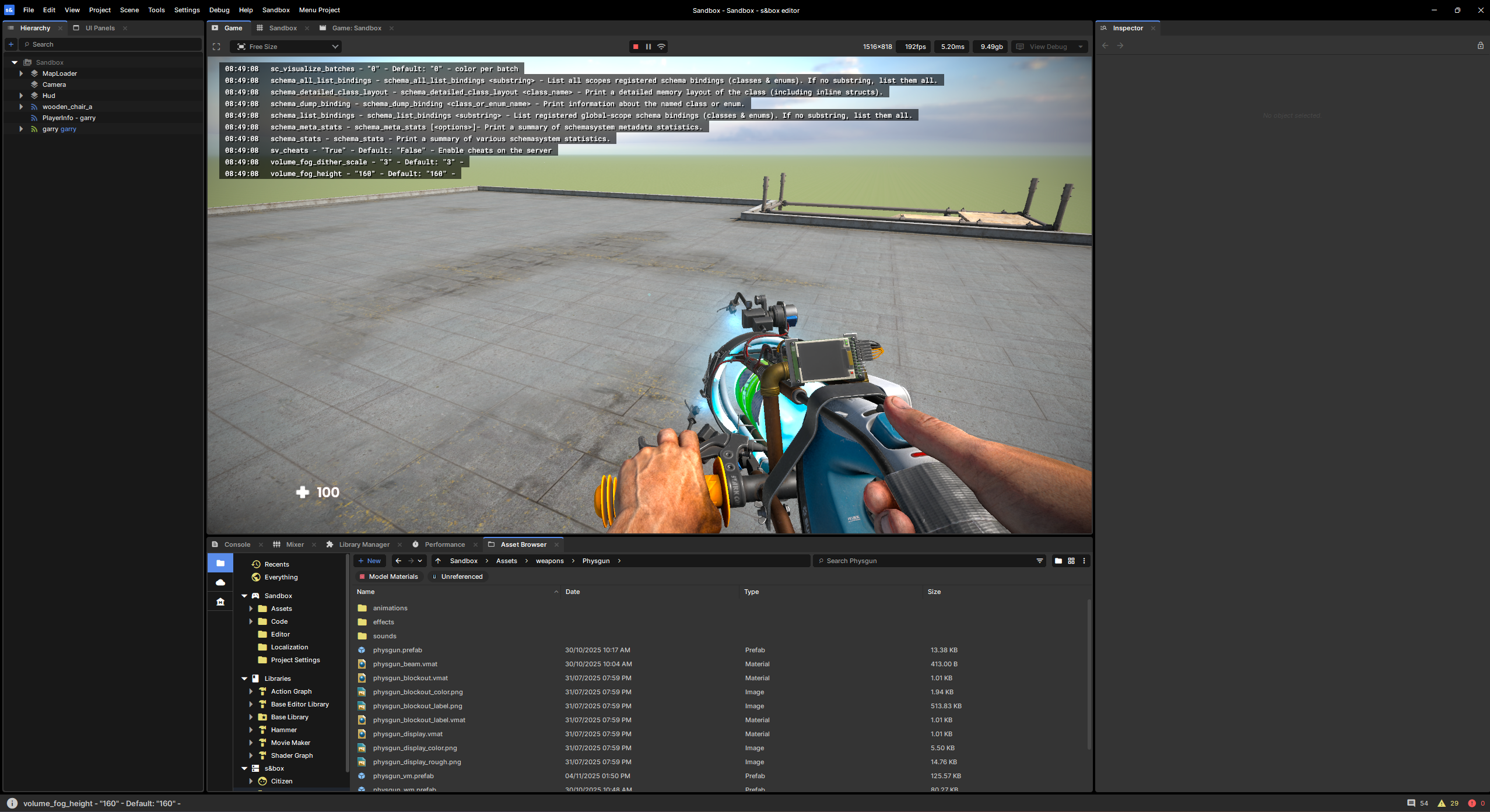
All the in-game profiling overlays are easily available via the console.image.png1.92 MB
Pause Menu
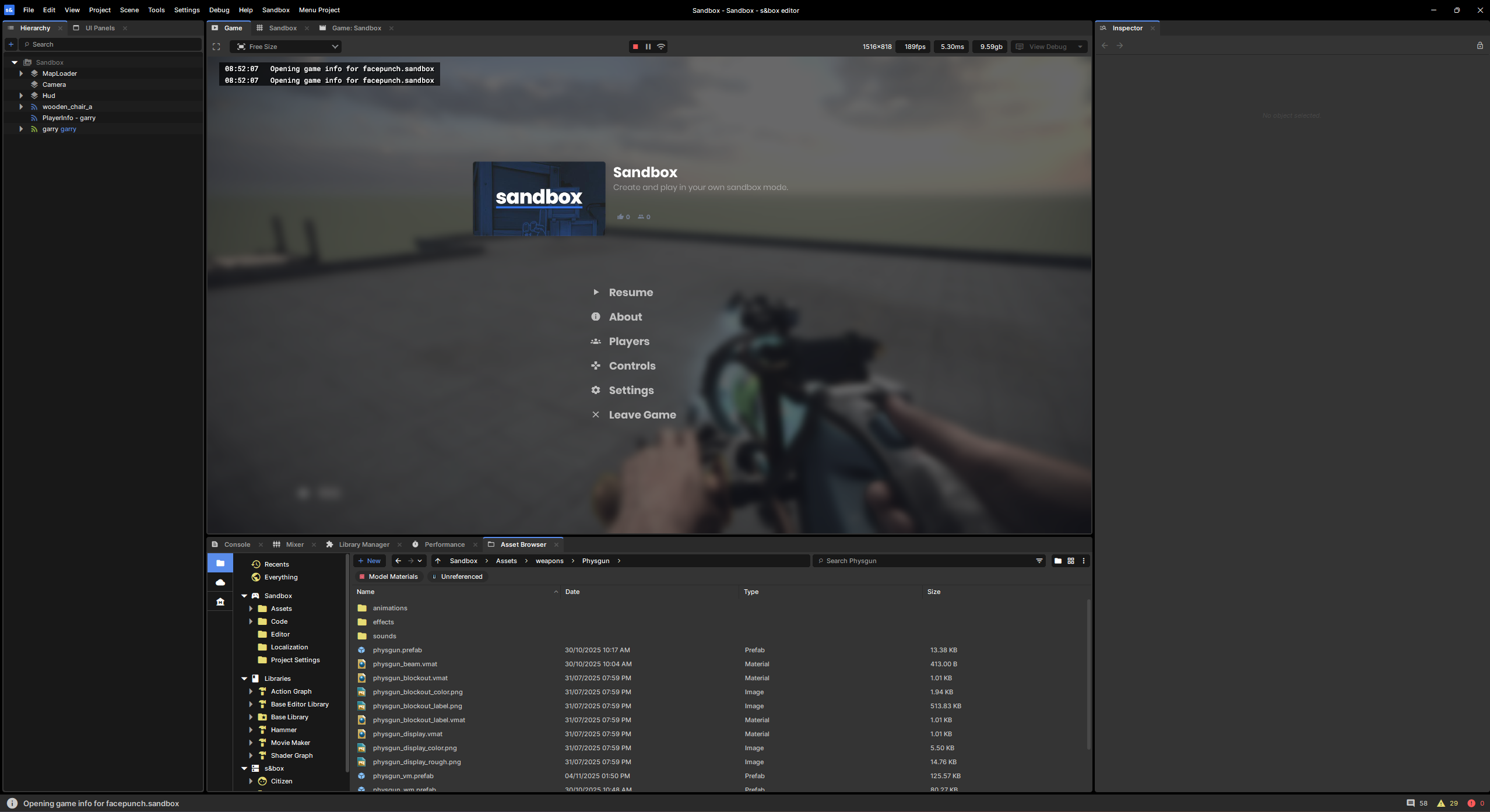
I don't think a lot of people realise that there's a built in pause menu until after they actually ship their game - by which point they've usually made their own. This now shows when you press escape while playing in the editor. While you can override it, I always kind of prefer that you don't.. it's kind of nice to give players a consistent experience.image.png627.22 KB
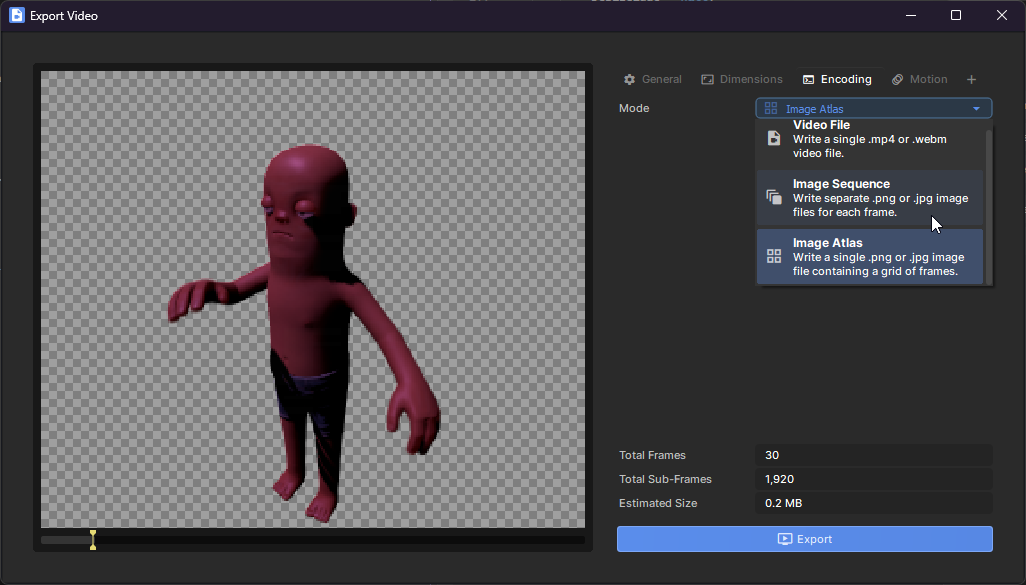
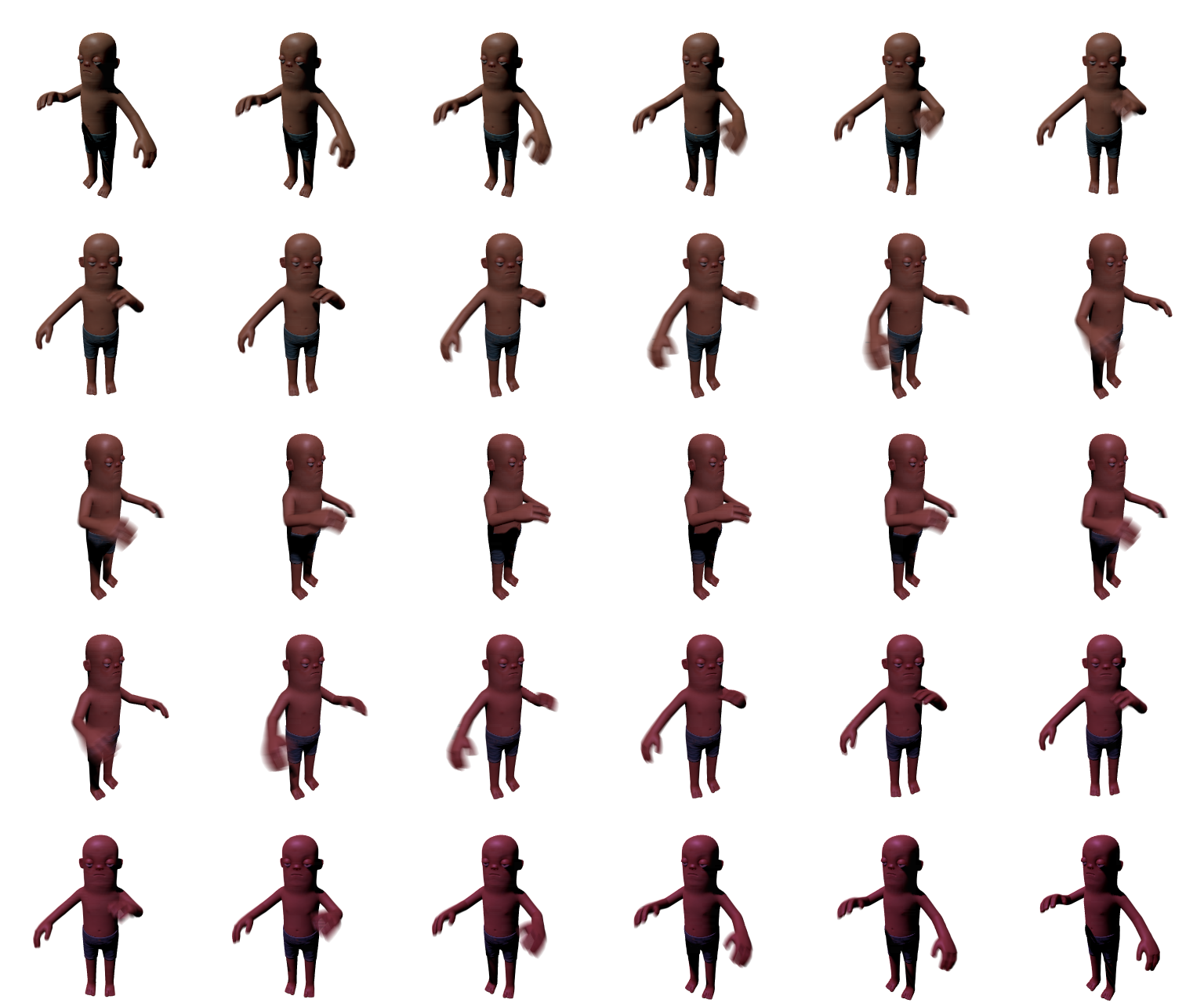
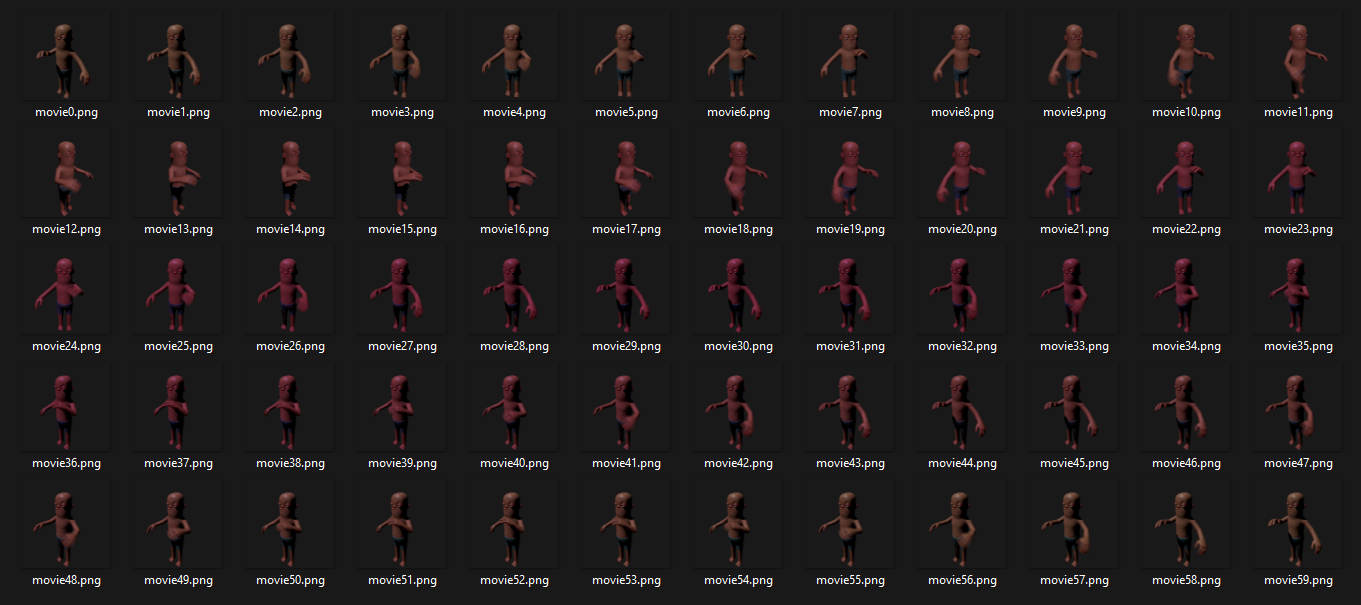
We've added two new export modes to Movie Maker, image sequences and image atlases. These let you export the frames of your movie as either lossless PNGs (which support transparency), or lossy JPEGs.sbox-dev_MrMBdyCZEq.png82.39 KBImage sequence mode will write each frame to a separate image for easy importing in your video editing software of choice. Image atlas mode lays out all the frames in a grid within a single image, which can be used for flip-book animations.
You can now re-color sprites with an Overlay Color (alongside the Tint Color). This means you can flash your players/enemies red when taking damage, green when healing, or even pure white for fun.31_12-04-GrumpyNandoo.mp41.98 MBIf you've used the SpriteTools library before, this was previously called "FlashColor"
We've been working hard at making the new Scene Map Editor tools a lot more refined, so the user experience is a lot smoother and more intuitive.30_12-12-NotedHoki.mp4695.12 KB
Undo/Redo no longer breaks window focus (preventing further shortcuts from working)
Delete Face, Delete Edge, and Delete Vertex actions are all undo-able actions now
"Extract Faces" no longer duplicates all child objects with the extracted face
CTRL+Click and CTRL+Drag actions no longer interfere with one-another
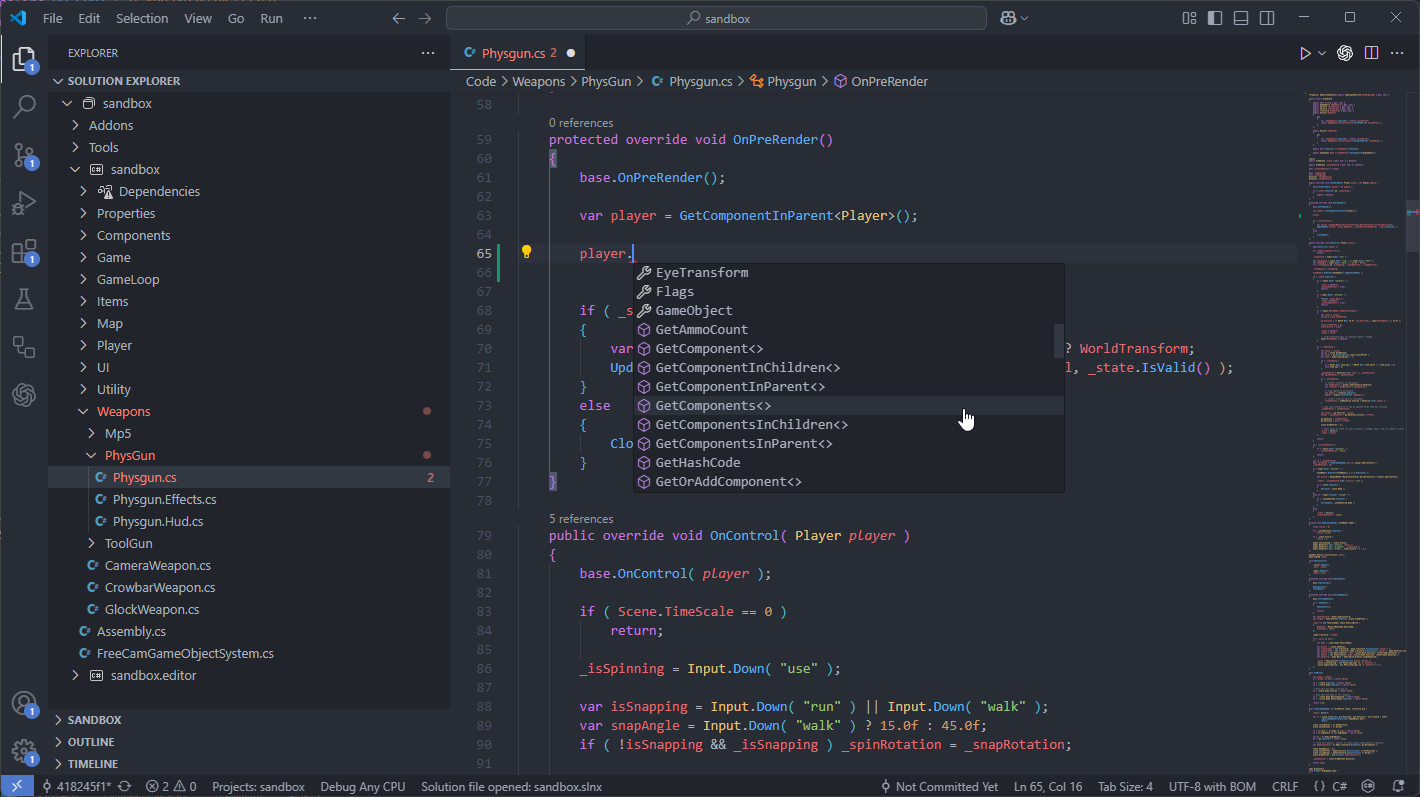
When we first added Visual Studio Code support the only option was OmniSharp, which only just about worked and only when using code workspaces. It wasn't a good experience.
Since then the C# Dev Kit has replaced OmniSharp, providing a much smoother out of the box experience.
We've reworked our editor integration to work with folders instead of code workspaces as you'd expect, as well as adding C# Dev Kit as a recommended extension on new projects.image.png175.88 KB
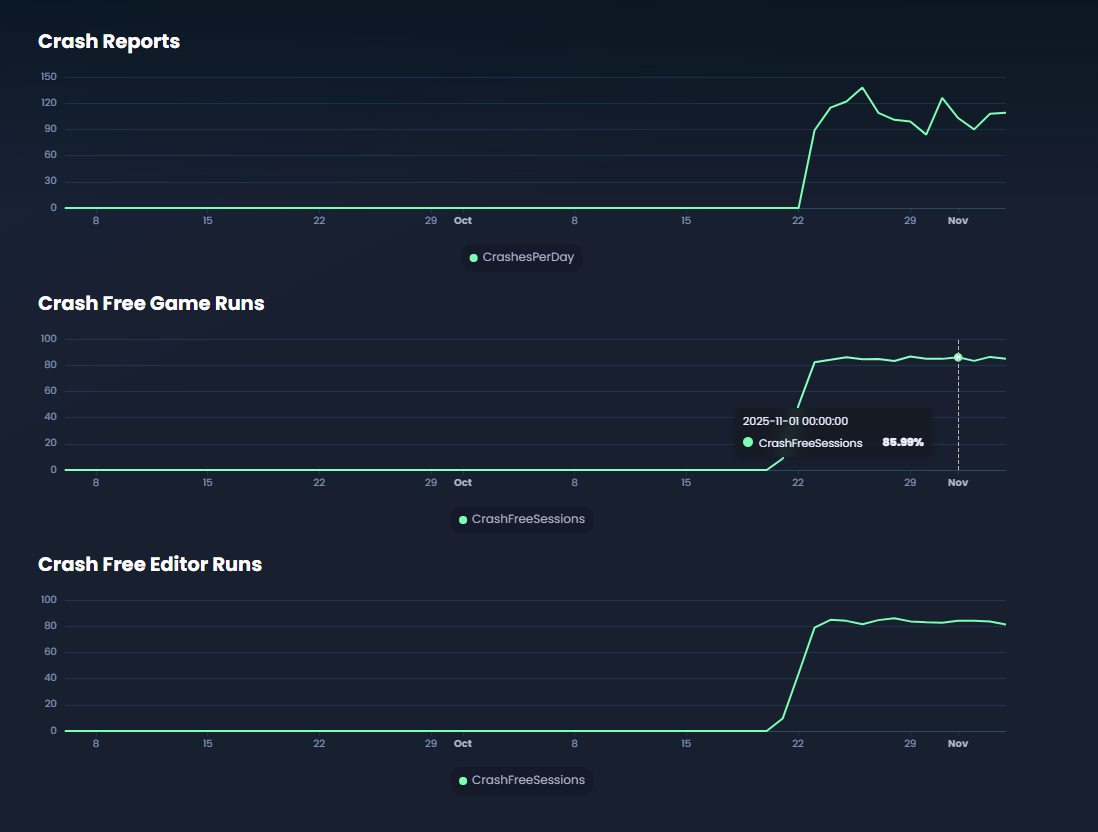
Stability (crashes) are a big concern for us, so I've added a Stability page to the metrics section of the site. This shows the number of crash reports we've received in a day, along with our best guess for the % of sessions that didn't end in a crash.image.png114.46 KB
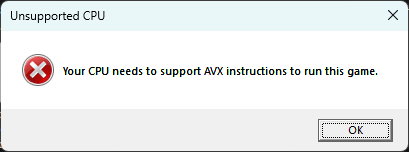
We were getting a few crash reports from people on very old CPUs related to them not having AVX instructions enabled. The game will now not open if your hardware is unsupported. (we already did this with GPUs)image.png8.64 KBWhilst we want to support as much hardware as possible, we also have to draw a line in the sand somewhere.
AVX is supported in any generation after the i7-2600k (2011) or AMD FX 8000 (2011).
Generally these are our recommended minimum requirements:
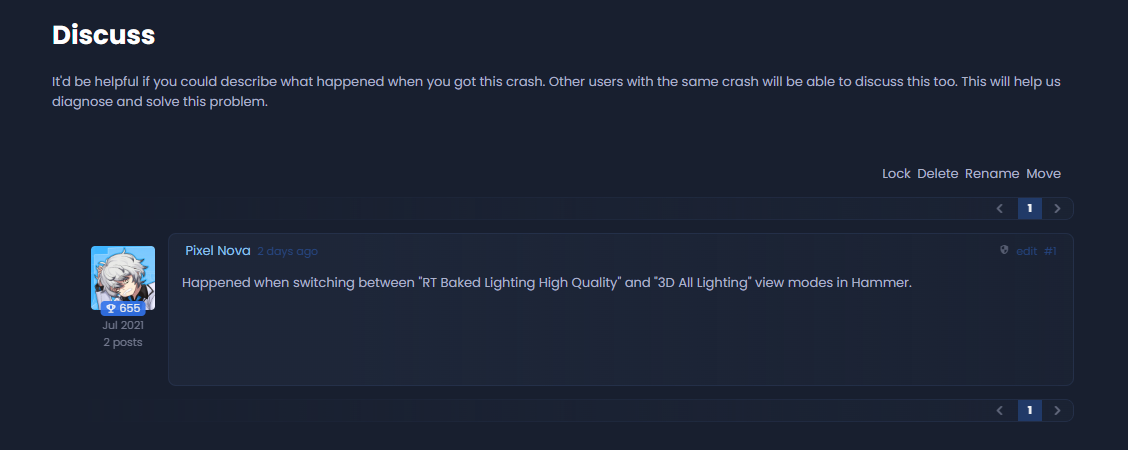
As mentioned in a previous blog, when you crash you get sent to a crash page, which aims to explain the crash a bit by showing a crash log. These crashes are grouped, so if someone is having the same crash, it'll show the number of times that crash has happened and the number of affected users.
This week I added a forum for this groups, which enables you to tell us and discuss each crash. Our hope is that this will help us diagnose and fix these crashes a lot faster than we have done previously. image.png116.32 KB
I wanted to address the cosmetics situation, since we're seeing a lot of hostility towards it because we have fell into a reliable schedule with it all now.
We're making our own seasonal clothing items that are limited sale. They're only ever going to be for sale during that period, and if you missed them, you missed them. You have to try to pick them up on the marketplace if you really want them. Otherwise you missed them. We do a set of these every few months as the season dictates.
Then we have community workshop items. We were doing 2 of these a month. We're going to do one a month now - at least until after release. These are limited sale items too. The creator gets a cut of the profits. As backwards as it sounds, they make more money for the creators being limited items than being for sale forever.
Our Money
When you pay us for these items, some goes to valve, some goes to the creator, and some goes to us. We use our cut to pay for the play fund. The more items we sell, the more money we make, the more money we can put in the play fund. This is all money that we're paying directly to creators.
The playfund has been running since February this year and we've paid out over $180,000 directly to the community. We hope to put a couple of extra decimals on the end of that number over the next 10 years.
FOMO
The people who act like we're fucking them with FOMO have never truly been fucked. We're not doing loot boxes. We're not doing shit where you get a crate and have to buy a $10 key. We're creating a viable long term economy where rare, hard to come by items are worth more.
This is how economies work. If gold fell from the sky it would be worthless. There has to be scarcity to create value. There has to be value to encourage purchases.
I want to create an economy where the people that have played for 5 years have an inventory worth more than they paid for it. I don't see anything wrong with that system. I see only winners.
Market Prices
Market prices should always be higher than the purchase price. If not immediately, then they should be after a year or so. This is what we should expect, this is what we should encourage. This isn't a bad thing at all. This is a healthy economy.


 Carson