Working with in-game recordings could be a big headache because of all the tracks a large scene can have. Now it's super easy to group up those tracks into separate nested movies (sequences) through the track list context menu.sbox-dev_hURpjItIZT.mp43.48 MB
Trying to use Ctrl+Z / Ctrl+Y while working on a movie has been unreliable at best, sometimes leading to lost work. This should be solved now: keyframe editing writes to the movie's history correctly, and using undo / redo shortcuts will now route to movie maker even if the scene view is in focus (unless the scene has a more recent edit).627283566-b30d987f-6fce-4de9-91e5-6b63c47a625a.mp4938.1 KB
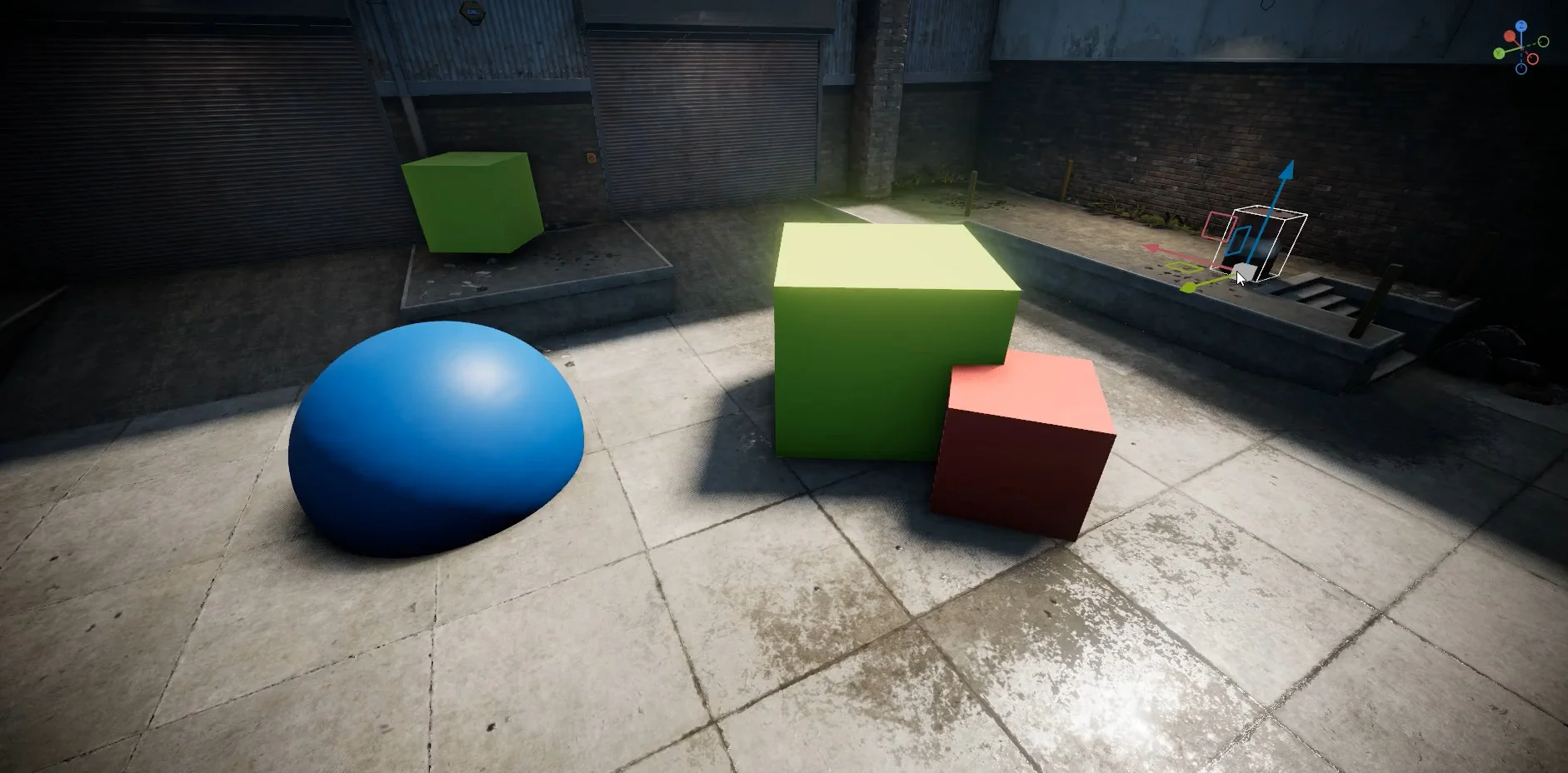
Ground tracing for the position editor toolby wheatleymf
19-08-2026-sbox-dev-ijTAIdPUSs.mp43.01 MBI've updated how the middle handle in move transform gizmo works. Previously, click and dragging this handle would move the object around in screen space, which is something that most artists and developers found not very useful.
It's been now updated to trace objects to the ground instead. It will take the object origin and place it on the nearest hit surface under the cursor. This will work only with objects that have a collider.
Single model from multi-mesh selectionby wheatleymf
sbox-dev_w3foTVuKRE.mp41.2 MBPreviously you could only make separate .vmdl files from the file selection, now you also got a new option that allows creating a single model.
It will automatically detect and setup collider mesh/hull and LODs. This may be handy if you prefer exporting each submesh separately instead of exporting one single file, and it also comes with a benefit of automatically assigning a collider mesh if you got one.
For valid assignment, your LOD mesh files should be named with a suffix of _lodX (where X is the level number), collider mesh as _col, and collider hulls as _hull. Everything else will be assigned as a normal render mesh in ModelDoc.
Using cloud assets always seemed to have random problems for people. A couple of things have been fixed to make them more reliable:
Installing a cloud asset usually downloads the asset and it's dependencies - there was no order to these downloads, sometimes the asset would download before it's dependencies and fail to load because it's dependencies were missing. Now we don't load the asset until every download is complete.
Also sometimes on launch the editor would try to recompile cloud assets that had no source files to recompile, putting it in a bad state.. It's now impossible for the editor to try to compile these assets.
We've replaced VPC, Valve's project generator, with our own C# based one. Modules are now described in .build.cs files, similar to how Sharpmake or Unreal Build Tool do it.
This doesn't really affect anyone directly, but it's another Valve dependency gone, and it's a step towards being able to open source our own C++ code. It also gives us a much easier path to supporting new platforms, and everything now lives in one tool alongside our existing build, content and upload steps.
Another big cleanup this week, and like the VPC change this one is invisible from the outside.
We used to check third party binaries and headers straight into our git repo. That kept our own setup easy to use and contained, but it made updating and managing those dependencies a pain. Now they get downloaded instead of living in the repo. Easier to maintain, and much easier to expand support to new platforms.
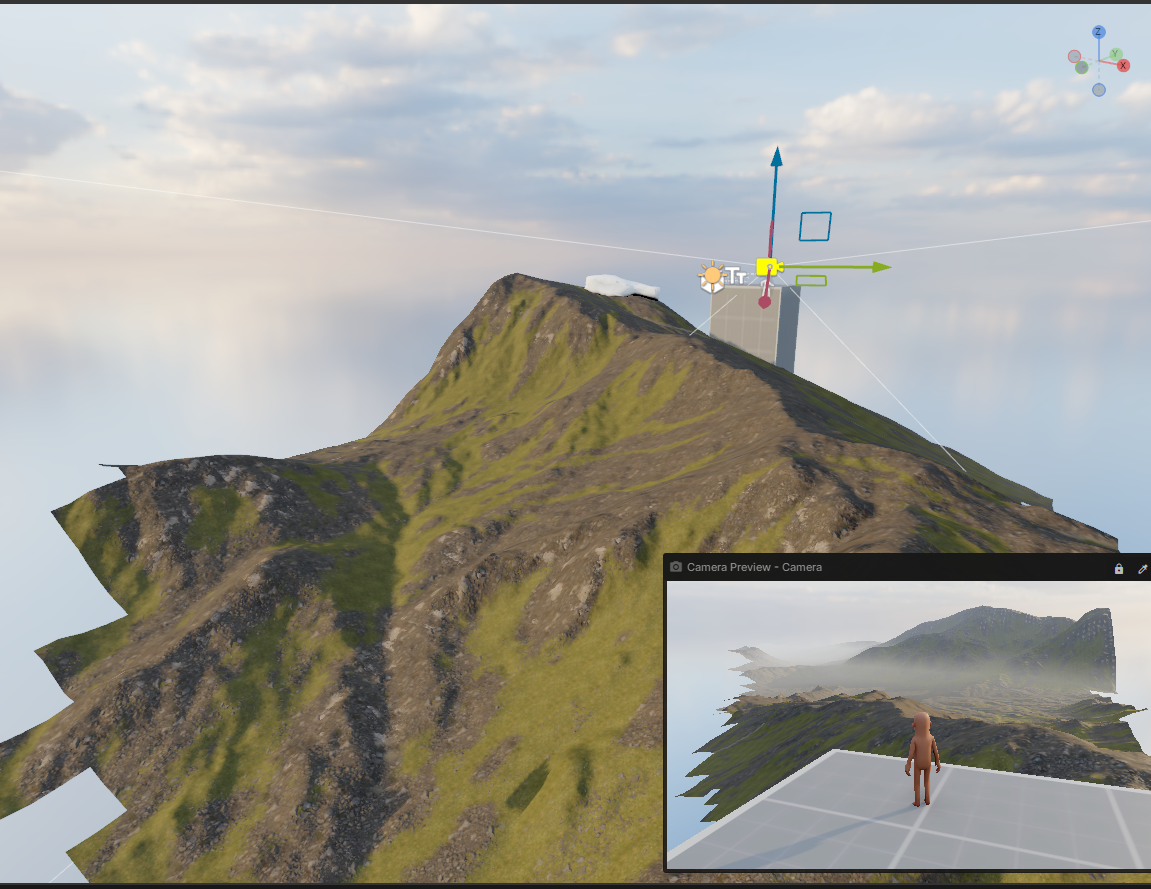
image.png1.28 MBTerrain culling previously only worked on the main view, but additional cameras could inherit terrain visibility calculated for the wrong viewpoint, causing terrain sections to disappear.
Terrain meshlets are now culled independently for each rendered camera view using that view’s current position and frustum. This also removes a one-frame delay caused by using stale camera information.
overlay_fps got a more useful this week. Alongside the frametime graph it now shows GPU time, 1% lows, your slowest frame stages, your full display setup, and which of fps_max, fps_max_menu, fps_max_inactive or VSync is actually capping you. 19_19-22-LumpyOstracod-noaudio.mp45.36 MB James also added overlay_fps 2, which sweeps a marker across the screen once a second, one block per frame. Handy for spotting issues with frame pacing.




 antopilo