This week we've got 2D physics and a ton of UI changes with a new layout engine, CSS Grid, inline text, menus, scrollbars and a new color picker. Plus better frame pacing, navigation improvements, and more.
matt, Layla, garry, ziks and 3 othersarticle
18 sections
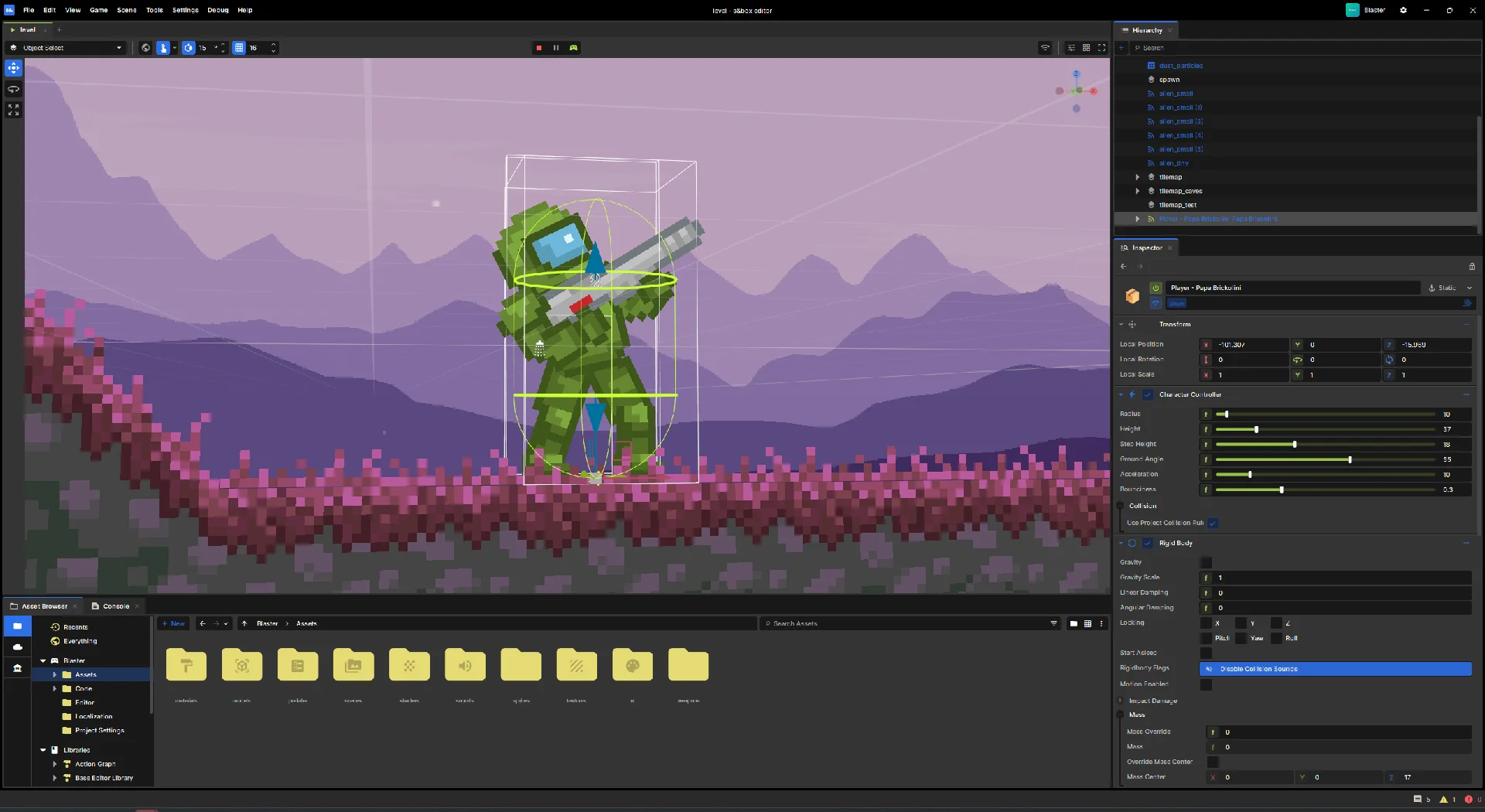
s&box now has 2D physics, powered by Box2D (yes, like Box3D). Switch the physics mode in your scene settings and bodies will simulate in the XY plane, using the same physics components and APIs you already know instead of having a 2D and 3D API split.08_13-28-KnobbyYnambu.mp411.76 MB
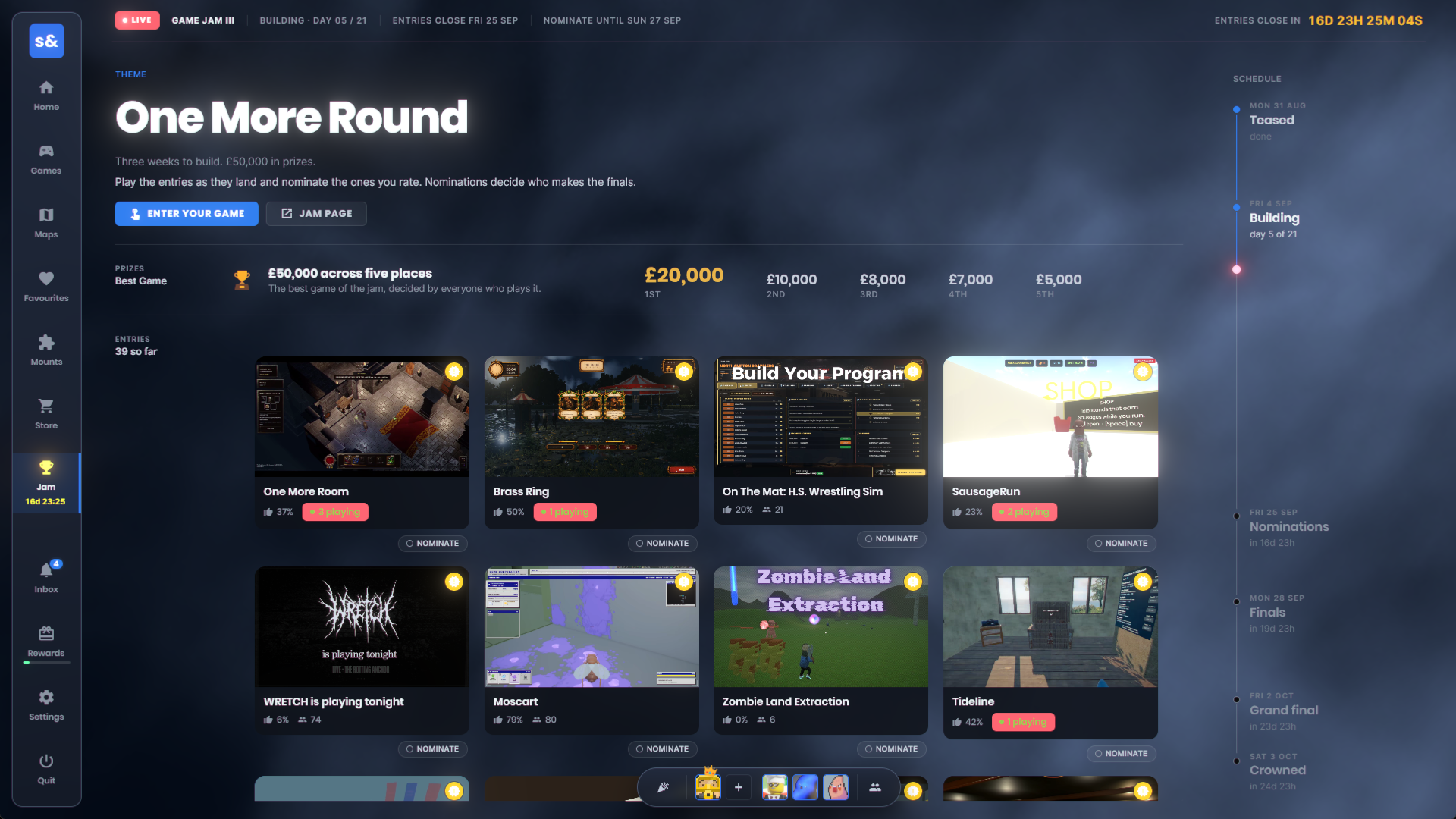
The Game Jam III has begun with a prize pool of £50,000. The theme is ONE MORE ROUND and submissions end on Fri 25 Sepimage.png1.54 MBWe've integrated it into the platform menu where entries are playable and voteable by the community.
The structure is there for future game jams now, we can let the community run some, we can reward items for them, etc.
We've been using Yoga as our UI layout engine from the start, what this does is take all your HTML & CSS and decides where on the screen it has to go, the same way your browser does it on this page right now.
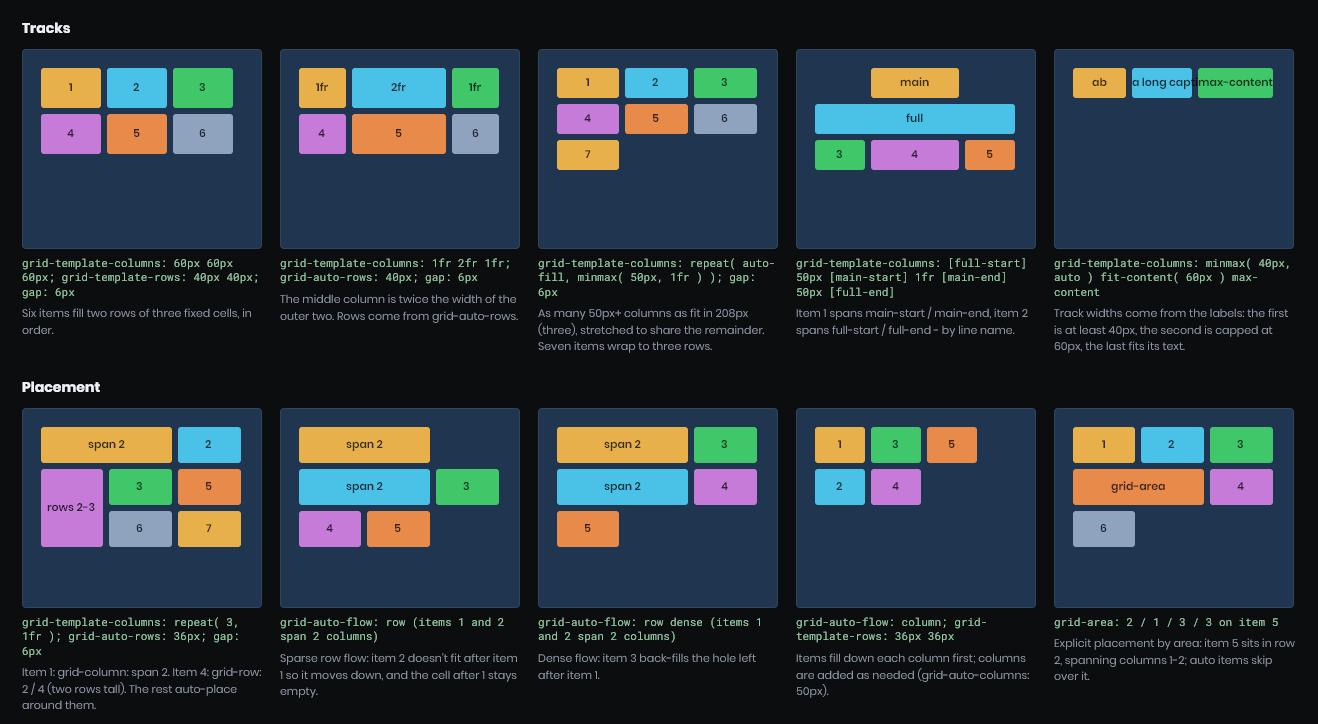
Yoga could only do Flexbox layouts though and we wanted more. So we've replaced it with our own open source C# layout engine Sandbox.Layout.
With this we can support more different ways to lay out UI elements such as display: block, display: grid and display: inline
Existing layouts should be exactly the same, and performance should be mildly better even going from C++ → C#.
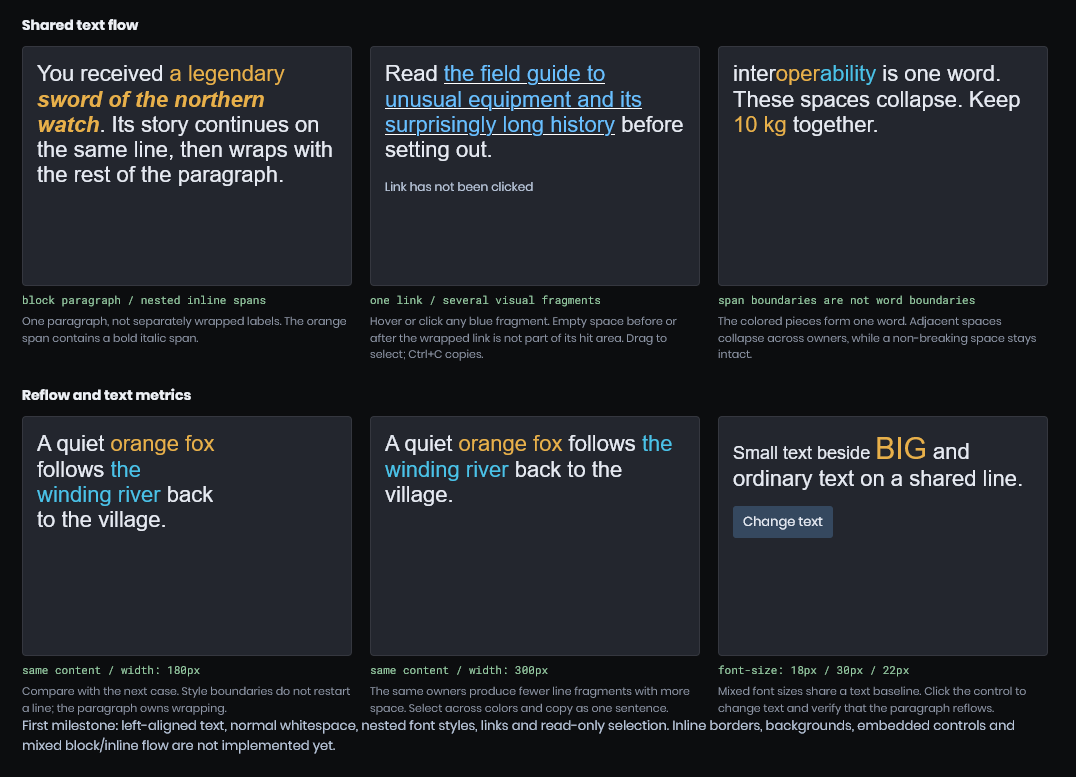
We've never really had a nice complete way to do rich text before, simple things like styled text wrapping across lines simply wasn't possible, everything was a block of content.
Now you can do display: inline for content and it'll behave just like on the web, letting you style any bit of text without worrying about the layout.image.png98.02 KB
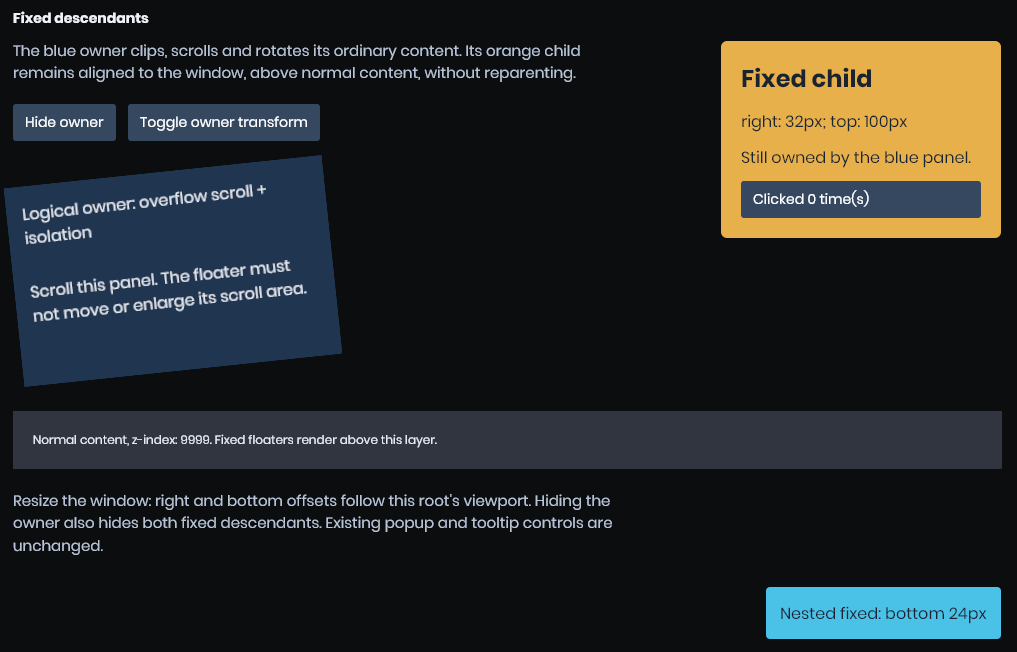
image.png74.04 KBWe've added position: fixed which is like absolute positioning but the anchor point is always the screen. This is particularly useful for menu popups like...
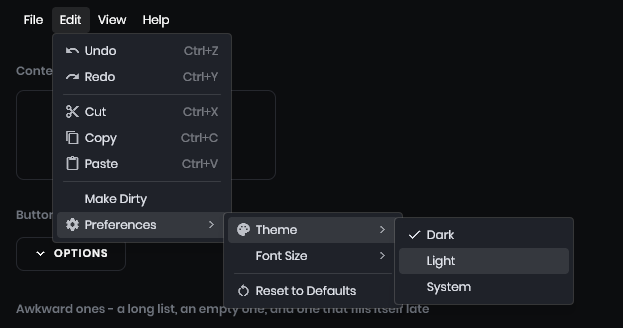
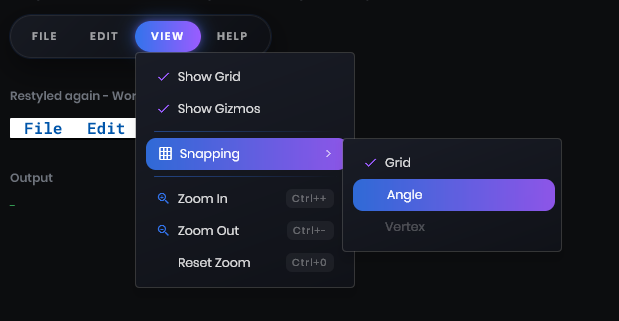
There's a new Sandbox.UI.Menu system for menu bars and menus. This supports everything the editor version does, but you can use it in your games!
var file = new Menu( "File" );
file.AddOption( "New", "note_add", New ).Shortcut = "Ctrl+N";
file.AddOption( "Open...", "folder_open", Open );
file.AddSeparator();
file.AddOption( "Save", "save", Save ).Enabled = false;
image.png27.57 KBThe aim is to get these feeling as native as possible.. and right now they do. You can restyle them using css as you would expect.image.png37.02 KB
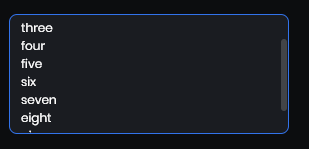
Scrollbars, finally! They're built into the panel system and you toggle them with scrollbar-width. Suggestion would be to do scollbar-width: auto if you want them visible.image.png3.94 KBI'm pretty militant about not inventing our own css styles, so they use standard css styles like..
scrollbar-width - defines the width
scrollbar-color - defines the back and thumb color
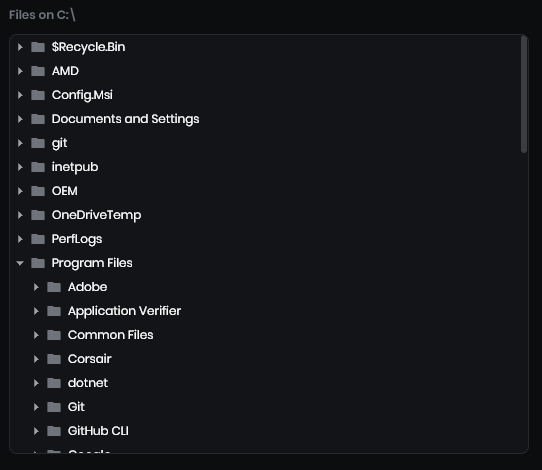
The panel ui system now has a TreeView , just like the editor UI. This works as you expect, like a native windows control. It's virtualized, has selection, keyboard navigation, hover and row styling, renaming, context menus, scroll to item.. everything you'd expect.image.png22.6 KB
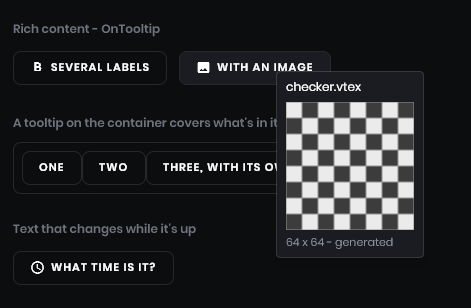
Tooltips are better now. They work in PanelWindows (which the new launcher uses).image.png20.77 KBWe've added Panel.OnTooltip - which you can use to build the tooltip panel. This means you can make nice rich tooltips, instead of being limited to the line of text like before.
The mapping tools have a new doorway primitive. It creates a doorway as one editable operation instead of making you cut and rebuild a basic doorway by hand.sbox-dev_jJZb0B8e4e.mp43.29 MB
Model normals and tangents now use signed-octahedral and diamond encoding, which basically means it looks better.
TL;DR is that our old encoding format had a precision error up to 1-2 degrees, which resulted in various annoying artifacts that artists used to compensate by enabling expensive tangents in ModelDoc. (which is bad due to higher memory usage)
I have replaced this encoding with a new format, signed-octahedral + diamond tangent, which provides much better precision (around ~0.2deg precision error) while keeping the same memory budget.
What do you need to do as an artist/developer:
Just recompile all your models. Until models are recompiled, they will continue using old compression format
I think your custom shaders will auto recompile on the next editor launch, but make sure they are up to date anyway
Old cloud assets with outdated models and shaders will stay functional, but at the cost of higher memory bandwidth. If you have any models uploaded to cloud, please recompile and reupload them if you can!
This is a somewhat major change but it should not affect any existing assets, so even if you do nothing, everything should stay normal. Please yell at me if I broke any of your assets, attaching any logs/assets/repro projects will be useful. cd00b98329ee.mp44.16 MB67c4977f23dd.mp42.13 MB
Some users reported heavy stuttering even when their FPS looked fine. This was particularly noticeable for users who had Windows hardware-accelerated GPU scheduling (HAGS) turned off. We’ve reworked frame pacing so frames reach the screen more evenly, making movement feel smoother.
If you still encounter pacing issues, please let us know, as the problem may persist on certain hardware configurations.
Exclusive fullscreen mode has also been fixed and is now requested correctly from the driver.
We’ve replaced the remaining DotRecast pathfinding and crowd simulation with our own implementation.
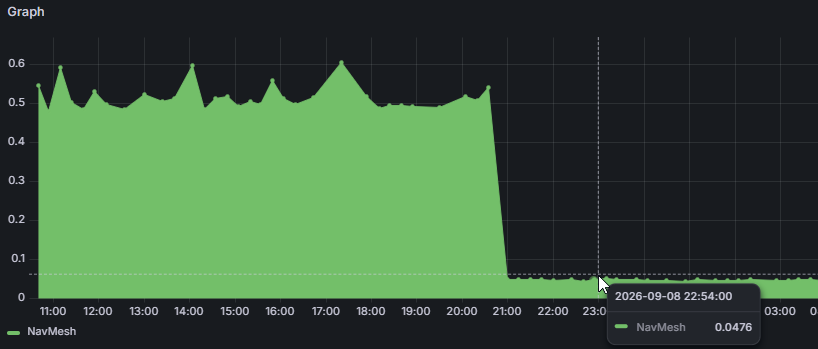
In synthetic tests, updating the pathfinding queue was 8.4× faster, and creating and planning paths for 100 agents used 63% less memory on the calling thread. Agent updates can also run across multiple cores.
Small edits to large prefabs were copying far more data than they needed. We’ve sped up override calculation and undo recording, making property/component undo capture roughly 4–5× faster, with about 75% fewer allocations in synthetic tests.
For a prefab with 500 objects and 1,500 components, recording a component edit for undo dropped from 383 ms to 78 ms.
We’ve also fixed issues with scene meshes disappearing when applying or saving prefabs, alongside issues with nested instances and object ordering.
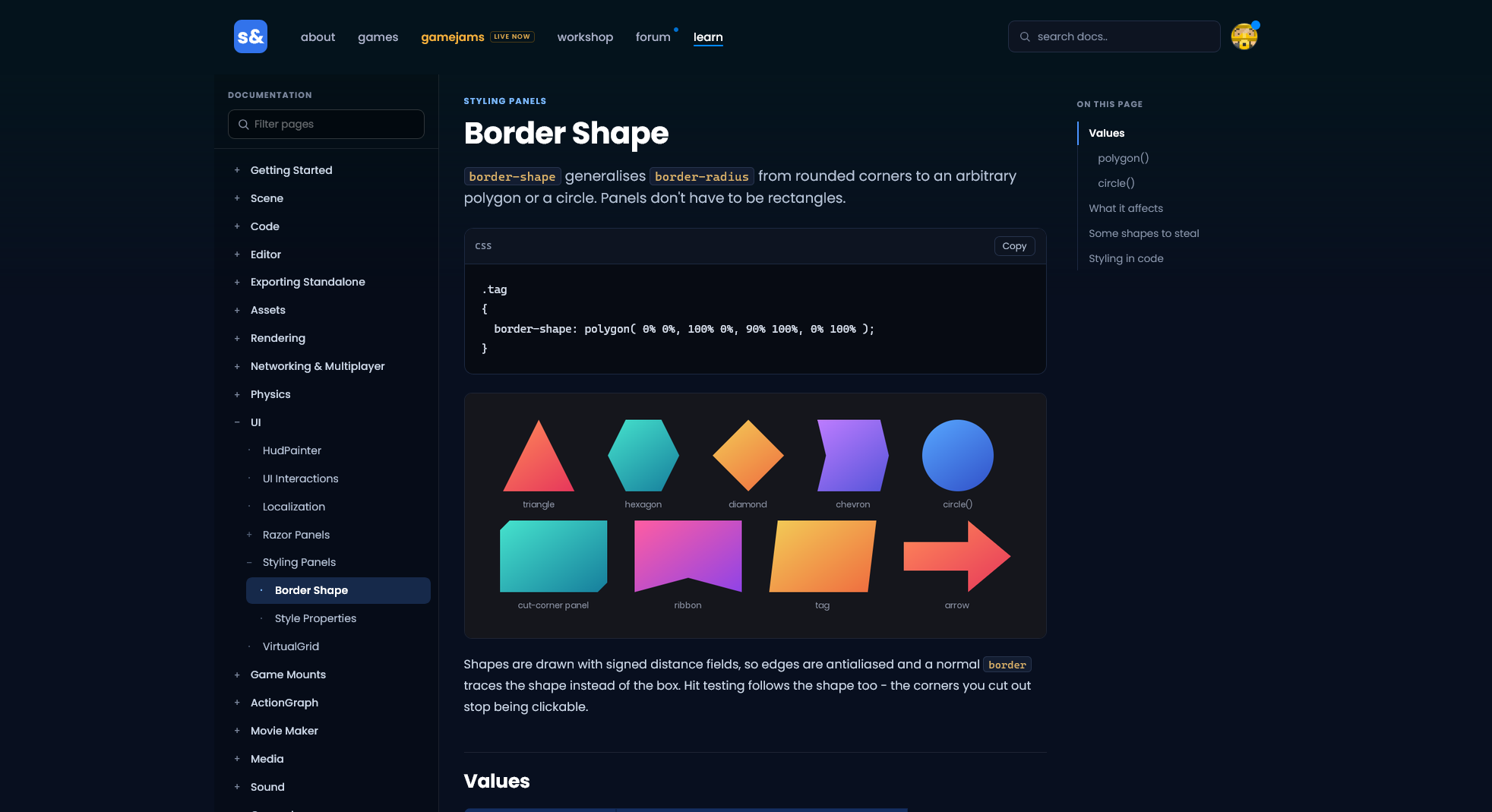
And finally, the documentation got a much needed face lift to make information more discoverable and readable. The sidebar now has a quick filter, content has a table of contents and overall more consistent font sizes and contrasting text color.image.png198.65 KB


 bakscratch
 wheatleymf
 Lorenz